Boost Productivity: Home Office Setup Ideas for Success
Transform your workspace with our home office setup ideas for productivity. Discover ergonomic furniture, smart layouts, and a call to action to design your ideal space!
By Roomellow Team
Working from home has become the new normal for millions, transforming spare rooms, corners, and even dining tables into impromptu workspaces. But there's a significant difference between "making do" and designing a dedicated home office that actively boosts your focus, creativity, and overall well-being. A thoughtfully arranged home office setup ideas for productivity isn't just about aesthetics; it's a strategic investment in your daily output and comfort.
At Roomellow, we understand that your environment profoundly impacts your work. That's why we're here to guide you through creating a home office that's not only visually appealing but also a powerhouse for productivity, leveraging AI to bring your vision to life with real, purchasable furniture.
The Ergonomic Foundation: Build for Health and Efficiency
Before you even think about aesthetics, prioritize ergonomics. A comfortable body is a focused mind. Ignoring this can lead to discomfort, pain, and a significant drop in productivity over time.
The Right Desk: Your Command Center
Your desk is the core of your home office. Consider:
- Height Adjustability: A standing desk is a game-changer for many. Alternating between sitting and standing throughout the day can improve circulation, reduce back pain, and increase energy levels. Look for electric models for easy transitions. If a full standing desk isn't feasible, a desktop converter can be a good compromise.
- Size: Assess your needs. Do you use multiple monitors? Do you spread out documents? A desk that's too small will feel cramped and hinder workflow. A common size for a single monitor setup might be 48" W x 24" D, while dual monitors often require 60" W x 30" D or more.
- Material and Finish: Durability is key. Laminate is budget-friendly and easy to clean, while solid wood offers timeless appeal and longevity. Consider the finish – a matte surface reduces glare more than a glossy one.
The Essential Chair: Your Productivity Throne
This is perhaps the most critical investment you'll make. Do not skimp on your office chair.
- Adjustability: A good ergonomic chair offers multiple adjustment points: seat height, seat depth, lumbar support, armrest height/pivot, and recline tension. The goal is to support your natural spinal curve and keep your feet flat on the floor (or a footrest) with your knees at a 90-degree angle.
- Material: Breathable mesh helps prevent heat buildup, while fabric can offer a softer feel. Leather is durable but can get warm.
- Trial Period: If possible, test chairs before buying or ensure a good return policy. What's comfortable for one person might not be for another. Expect to spend anywhere from $300 to $1,000+ for a high-quality ergonomic chair.
Monitor Setup: Eye-Level Focus
Proper monitor placement reduces neck and eye strain.
- Height: The top of your monitor screen should be at or slightly below eye level. If you don't have a monitor arm, consider a monitor stand or even a stack of sturdy books.
- Distance: Your monitor should be about an arm's length away (20-40 inches).
- Multiple Monitors: If using two monitors, place them close together and centered if both are primary. If one is primary and one secondary, center the primary monitor and place the secondary to its side.
Keyboard and Mouse: Minimize Strain
These often-overlooked items can contribute to repetitive strain injuries.
- Ergonomic Keyboard: Consider a split or angled keyboard to keep your wrists in a neutral position.
- Ergonomic Mouse: A vertical mouse or trackball can reduce wrist pronation.
- Placement: Keep your keyboard and mouse close to your body to avoid reaching, which strains your shoulders.
Here's a quick checklist for an ergonomic home office setup:
| Component | Key Ergonomic Feature | Why It Matters | Quick Tip |
|---|---|---|---|
| Desk | Adjustable height (sit-stand) | Reduces sedentary time, improves circulation | Aim for an electric sit-stand desk, or a desktop converter. |
| Chair | Lumbar support, multiple adjustments | Supports natural spine curve, prevents pain | Invest in the best chair you can afford with a trial period. |
| Monitor | Eye-level placement, arm's length | Prevents neck/eye strain, promotes good posture | Use a monitor arm or stand; avoid looking down. |
| Keyboard | Neutral wrist position | Prevents carpal tunnel syndrome, comfort | Consider an ergonomic or split keyboard. Keep it close. |
| Mouse | Neutral wrist/forearm position | Prevents wrist strain | Try a vertical mouse or trackball. |
| Lighting | Task lighting, glare-free | Reduces eye fatigue, improves visibility | Position light to avoid screen glare and shadows. |
Optimize Your Layout: Flow and Focus
Once you have your ergonomic essentials, think about the overall flow and functionality of your space. A well-designed layout can dramatically impact your daily focus.
Strategic Desk Placement
Where you position your desk matters more than you might think.
- Facing a Window: Offers natural light and a view, which can reduce eye strain and provide mental breaks. However, be mindful of glare on your screen at certain times of day.
- Facing a Wall: Minimizes distractions, allowing you to focus intently. You can personalize the wall with inspiring art or a mood board.
- Facing the Door: Some people prefer to see who's entering the room, offering a sense of control and security.
- Consider a dedicated home office space if possible!
Zone Creation: Divide and Conquer
Even in a small space, you can define different functional zones.
- Work Zone: This is your primary desk area.
- Storage Zone: Shelving, drawers, and cabinets to keep clutter at bay.
- Relaxation/Break Zone (if space allows): A comfortable armchair, a small plant, or a reading nook can provide a mental escape during short breaks.
- For those in smaller living arrangements, check out our guide on Best Furniture for Small Apartments: Maximize Your Tiny Space for clever space-saving ideas.
Lighting: Brighten Your Mood and Mind
Good lighting is crucial for productivity and reducing eye fatigue.
- Natural Light: Maximize it! Position your desk to take advantage of windows. Use sheer curtains or blinds to control harsh glare while still letting light in.
- Task Lighting: A good desk lamp is essential. Choose one with adjustable brightness and color temperature (cooler light for focus, warmer for relaxation).
- Ambient Lighting: Overhead lighting should be soft and even. Avoid harsh single-source lights that create shadows. Dimmable options are ideal.
Declutter & Organize: A Clear Space, A Clear Mind
Clutter is a notorious productivity killer. A messy environment can lead to mental fatigue and make it harder to find what you need.
Smart Storage Solutions
Invest in storage that matches your needs and space.
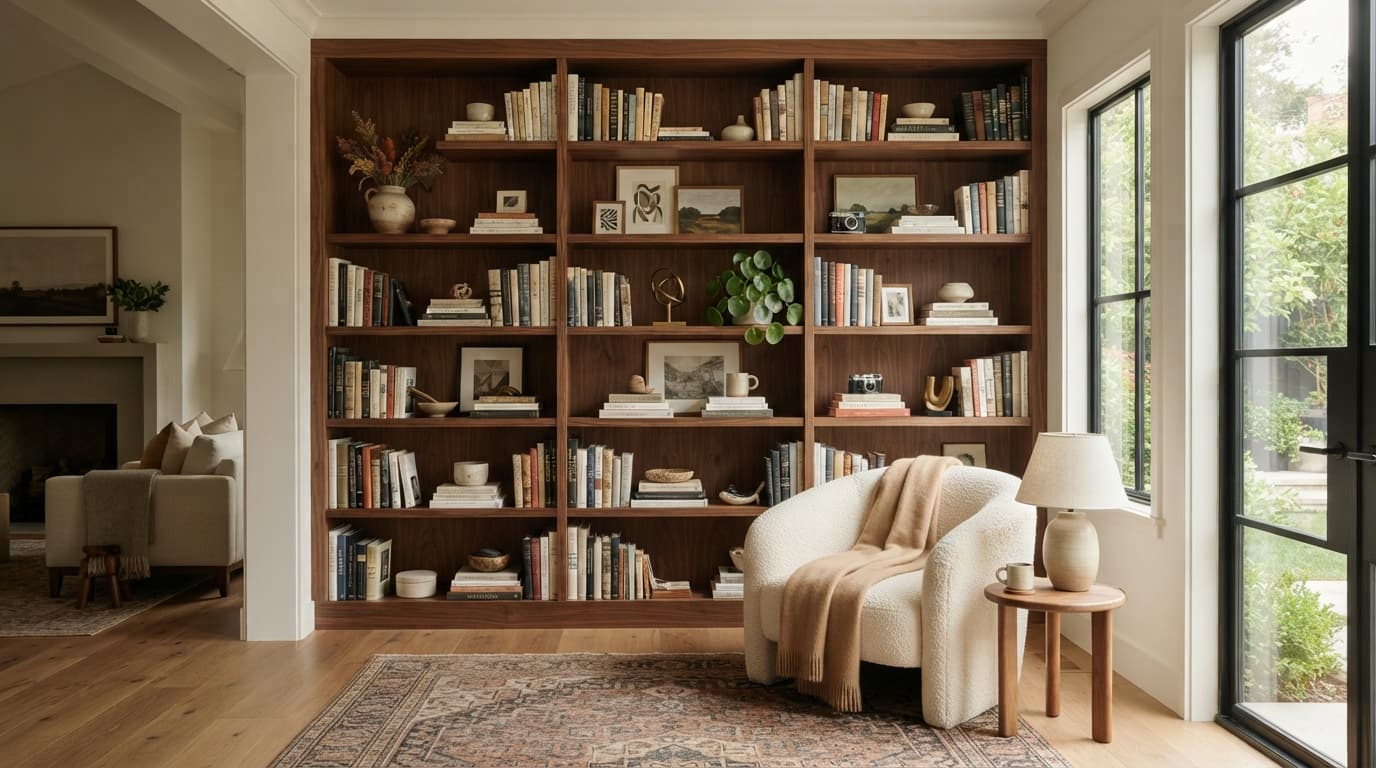
- Shelving Units: Open shelves can display books and decor, while closed shelves hide less attractive items. Floating shelves are great for small spaces.
- Drawer Units/Filing Cabinets: Essential for documents, office supplies, and personal items. Consider a mobile pedestal drawer unit that can slide under your desk.
- Wall-Mounted Organizers: Pegboards, magnetic strips, and wall pockets can keep small items accessible without taking up desk space.
- Cabinetry: Built-in or standalone cabinets offer substantial hidden storage, maintaining a clean aesthetic.
Cable Management: Tame the Tangled Web
Nothing makes an office look messier than a spaghetti bowl of cables.
- Cable Sleeves/Wraps: Bundle cables together to make them neater and easier to manage.
- Cable Clips/Ties: Secure cables along the back of your desk or wall.
- Cable Management Trays: Attach these under your desk to hold power strips and excess cable slack.
- Wireless Peripherals: Opt for Bluetooth keyboards, mice, and headphones to reduce the number of cables.
Here's a comparison of common storage solutions:
| Storage Type | Pros | Cons | Best For |
|---|---|---|---|
| Open Shelving | Aesthetic appeal, easy access, display decor | Dust accumulation, can look cluttered if not organized | Books, decor, quick-access reference materials, displaying awards. |
| Closed Cabinets | Hides clutter, dust-free, secure | Can feel bulky, less immediate access | Files, less attractive supplies, confidential documents, bulk items. |
| Drawer Pedestals | Mobile, organizes small items, can fit under desks | Limited capacity, can get messy inside without dividers | Office supplies, personal items, daily paperwork, small tools. |
| Wall-Mounted Org. | Saves floor space, keeps items visible and accessible | Limited weight capacity, requires wall space, can look busy | Pens, notes, small tech accessories, charging cables. |
Personalize for Inspiration: Your Creative Sanctuary
Your home office should be a space that inspires you, reflects your personality, and fosters a positive mindset.
Color Psychology for Productivity
Colors can subtly influence your mood and focus.
- Blues: Often associated with calmness, stability, and intelligence. Great for focus and reducing stress.
- Greens: Evoke nature, balance, and harmony. Can reduce eye strain and promote a sense of well-being.
- Yellows: Stimulating and energizing in moderation. Use as accents to boost creativity and optimism.
- Grays/Whites: Excellent neutral backdrops that promote clarity and minimize distraction. Pair with colorful accents.
Integrate Nature: Biophilic Design
Bringing elements of nature indoors has proven benefits for mental clarity and stress reduction.
- Plants: Low-maintenance plants like snake plants, ZZ plants, or Pothos can purify the air and add a touch of life.
- Natural Materials: Incorporate wood, stone, or natural fibers in your furniture or decor.
- Views: Position your desk to offer a view of greenery outside if possible.
Art and Decor: Your Personal Touch
Choose items that inspire you, but avoid excessive clutter.
- Inspirational Art: A piece of art, a framed quote, or a vision board can serve as a powerful motivator.
- Personal Photos: A few cherished photos can add warmth without being distracting.
- Textures: Incorporate different textures through a rug, throw blanket (if you have a break nook), or decorative pillows to add depth.
- Roomellow allows you to experiment with various styles, from modern and minimalist to Scandinavian, mid-century modern, bohemian, and even farmhouse, helping you visualize how different aesthetics can shape your productive space.
Tech Integration: Seamless Workflow
Your technology should support, not hinder, your productivity.
- Efficient Displays: If you work with complex data or multiple applications, consider a large ultrawide monitor or a dual-monitor setup. This can significantly reduce the need to constantly switch windows.
- Docking Stations & USB Hubs: Minimize cable clutter and maximize connectivity by consolidating all your peripherals (monitors, keyboard, mouse, external drives) into a single connection to your laptop.
- Quality Audio: A good set of noise-cancelling headphones is invaluable for focus, especially in shared living spaces. A dedicated microphone can ensure clear communication during virtual meetings.
- Smart Devices: Smart plugs can automate lighting or turn on your coffee maker before you even sit down.
Sound and Privacy: Minimize Distractions
In a home environment, distractions are inevitable. Creating a sound-managed space is crucial for deep work.
- Acoustic Panels: These can absorb sound and reduce echo, especially in larger, open-plan areas. They come in various aesthetic designs.
- Soundproofing: If possible, consider weatherstripping around doors and windows to block external noise.
- White Noise Machine: Can help mask distracting sounds from other parts of the house or neighborhood.
- Curtains and Blinds: Heavy drapes can absorb some sound and offer visual privacy.
Budgeting Your Dream Office
Creating a productive home office doesn't have to break the bank. Smart budgeting and prioritization are key.
- Prioritize Investments: Spend more on ergonomic essentials like your chair and desk. These directly impact your health and long-term productivity.
- DIY and Upcycling: Consider painting an old bookshelf, building simple floating shelves, or repurposing existing furniture.
- Secondhand Finds: Check local marketplaces, consignment shops, or online platforms for quality used furniture.
- Phased Approach: You don't have to buy everything at once. Start with the essentials and add decor, advanced tech, and specific storage solutions over time.
Here's a sample budget breakdown to give you an idea:
| Item | Budget-Friendly (~$) | Mid-Range (~$$) | High-End (~$$$) | Notes |
|---|---|---|---|---|
| Ergonomic Chair | $150 - $300 | $300 - $700 | $700 - $1,500+ | Crucial investment. Prioritize comfort and adjustability. |
| Desk (Fixed) | $100 - $250 | $250 - $600 | N/A | For basic needs; consider size and material. |
| Desk (Sit-Stand) | $250 - $400 | $400 - $800 | $800 - $1,500+ | Highly recommended for health and flexibility. |
| Monitor(s) | $100 - $200 (each) | $200 - $400 (each) | $400 - $800+ (each) | Good resolution and size for your tasks. |
| Monitor Arm/Stand | $20 - $50 | $50 - $150 | $150 - $300 | Elevates monitor to eye level, saves desk space. |
| Keyboard & Mouse | $30 - $70 | $70 - $150 | $150 - $300 | Ergonomic options can prevent strain. |
| Desk Lamp | $20 - $50 | $50 - $100 | $100 - $250 | Task lighting is key for reducing eye fatigue. |
| Storage (Shelves/Drawers) | $50 - $150 | $150 - $400 | $400 - $1,000+ | Depends on size and material. Prioritize organization. |
| Decor/Plants | $20 - $100 | $100 - $300 | $300 - $500+ | Personal touches, biophilic elements. |
| Cable Management | $10 - $30 | $30 - $70 | $70 - $150 | Essential for a tidy, distraction-free space. |
| TOTAL (Estimated) | $750 - $1,600 | $1,600 - $3,500 | $3,500 - $6,000+ | Focus on key ergonomic pieces first, then add as budget allows. |
Leveraging AI for Your Ideal Home Office Redesign
Designing a productive home office can feel overwhelming, especially when trying to visualize how different furniture pieces and layouts will fit together. This is where Roomellow makes the process intuitive and exciting.
Instead of guessing or sketching, you can simply upload a photo of your existing room or a blank space designated for your office. Then, let our AI engine work its magic. You can experiment with different desk placements, try out various chair styles, see how a particular storage unit would look, or even completely overhaul the aesthetic to match your preferred working style, be it modern, minimalist, or something entirely unique.
With Roomellow, you don't just get pretty pictures; you get design concepts featuring real, purchasable furniture from furniture stores. This means you can visualize your dream home office setup ideas for productivity and then effortlessly click to purchase the items that bring that vision to life. It's the fastest, most effective way to go from inspiration to a fully realized, highly productive workspace. Learn more about How to Redesign Your Room with AI (And Actually Buy the Furniture) and start your transformation today.
FAQ: Your Home Office Productivity Questions Answered
Q1: How do I make my home office productive if I don't have a dedicated room?
A1: Focus on creating "zones" within a larger room. Use a room divider, a tall bookshelf, or even a strategically placed rug to visually separate your work area. Invest in furniture that serves multiple purposes (e.g., a console table that doubles as a desk). Excellent cable management and portable storage solutions (like a rolling cart) are crucial to keep the space tidy when not in use.
Q2: What's the most important piece of furniture to invest in for productivity?
A2: Without a doubt, an ergonomic office chair. You'll spend hours in it, and a poor chair can lead to discomfort, back pain, and significant drops in focus and energy. While a good desk is also important, an ergonomic chair directly impacts your health and sustained comfort more than any other item.
Q3: How often should I update my home office setup?
A3: There's no fixed rule, but consider updating when: you experience persistent discomfort, your technology needs change (e.g., adding monitors), your workflow evolves, or your personal style shifts. A minor refresh every 1-2 years (e.g., new decor, plants, decluttering) and a more significant overhaul every 3-5 years (e.g., new chair, desk upgrade) is a good general guideline. Listen to your body and your work habits – if something isn't working, it's time for a change.
Q4: Can color really affect my productivity?
A4: Yes, color psychology suggests that different hues can have a subtle but measurable impact on mood, energy, and focus. Blues are often associated with calmness and focus, greens with balance and stress reduction, and yellows with creativity and optimism (in moderation). Using these colors strategically in your office, whether on walls, in decor, or even your screen background, can help cultivate the desired working atmosphere.
Ready to redesign your room?
Upload a photo of your room and get a professional AI redesign with real furniture you can buy. Free to try — no credit card required.
Try Roomellow free