Roomellow Is Now on iPhone and Android
The Roomellow app is here. Snap a photo of your room, get an AI redesign with real furniture, and shop the exact products you see — now on iOS and Android.
By Roomellow Team
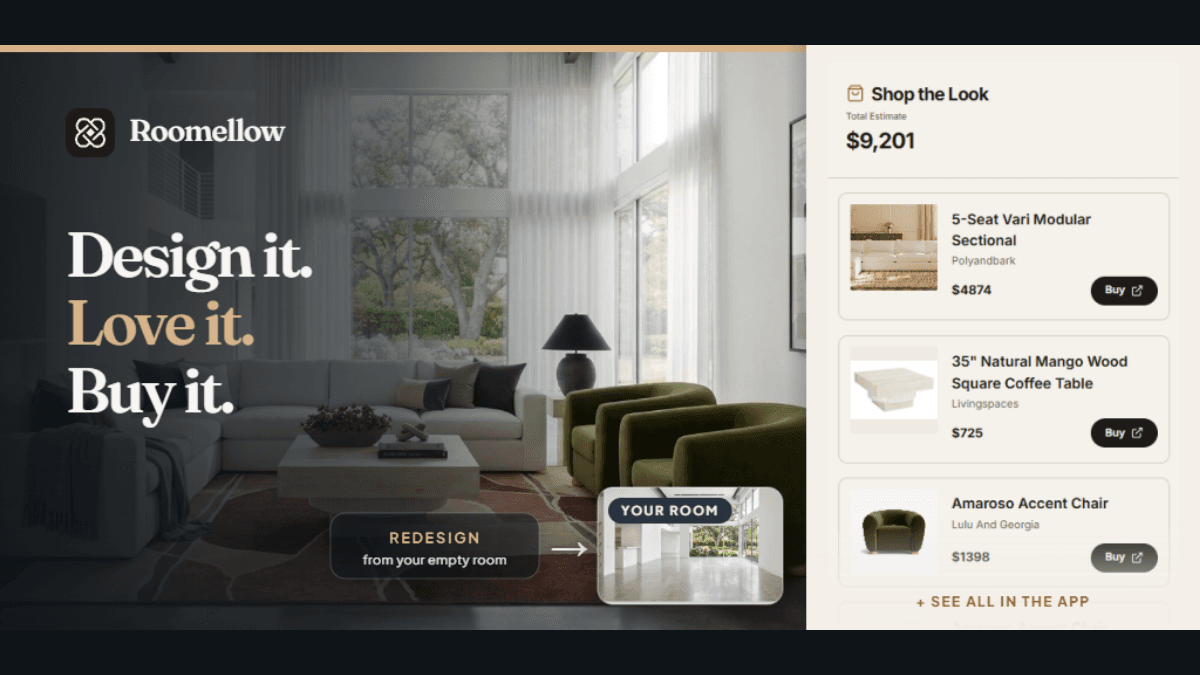
Today we're shipping the thing people have asked us for since day one: Roomellow now has a native app on both iPhone and Android. The same room redesign you've been doing on the web — snap, restyle, shop — now lives in your pocket, where most people actually take photos of their rooms in the first place.
It's free to download, and if you already have a Roomellow account, just sign in. Your saved designs, credits, and history are all there.


Why an app?
Redesigning a room almost always starts the same way: you're standing in the room, phone in hand, trying to picture something better. Doing that on a phone browser worked, but it never felt quite right — uploading from the camera roll, fighting with tabs, losing your place.
The app fixes that. You point your camera at the space, and a few seconds later you're looking at a redesigned version of your room, furnished with real products you can tap to buy. No imagining, no measuring tape, no "I think that sofa might fit."
What you can do in the app
It's the full experience, not a stripped-down companion:
- Snap or upload a room. Use the camera directly or pull a photo from your library.
- Get an instant AI redesign. Pick a style — modern, Scandinavian, bohemian, and more — and Roomellow restyles the space with furniture that's actually in stock.
- Shop exactly what you see. Every piece in the render is a real, purchasable product. No AI-hallucinated furniture you can never find again.
- Swap and refine. Don't love the coffee table? Swap it for another from the same store and regenerate.
- Save and revisit. Keep your favorite designs and pick up on any device — phone, tablet, or web.
If you want to get the most out of it, our short guide on how to prompt Roomellow applies on mobile too: the more specific you are about style, palette, and constraints, the better the result.
Real rooms, real products
The thing that makes Roomellow different from a mood-board app is that every design is shoppable and real. We pull live catalogs from the furniture stores we support, so the sectional, the rug, and the lamp in your redesign are all things you can buy right now — at their real prices.
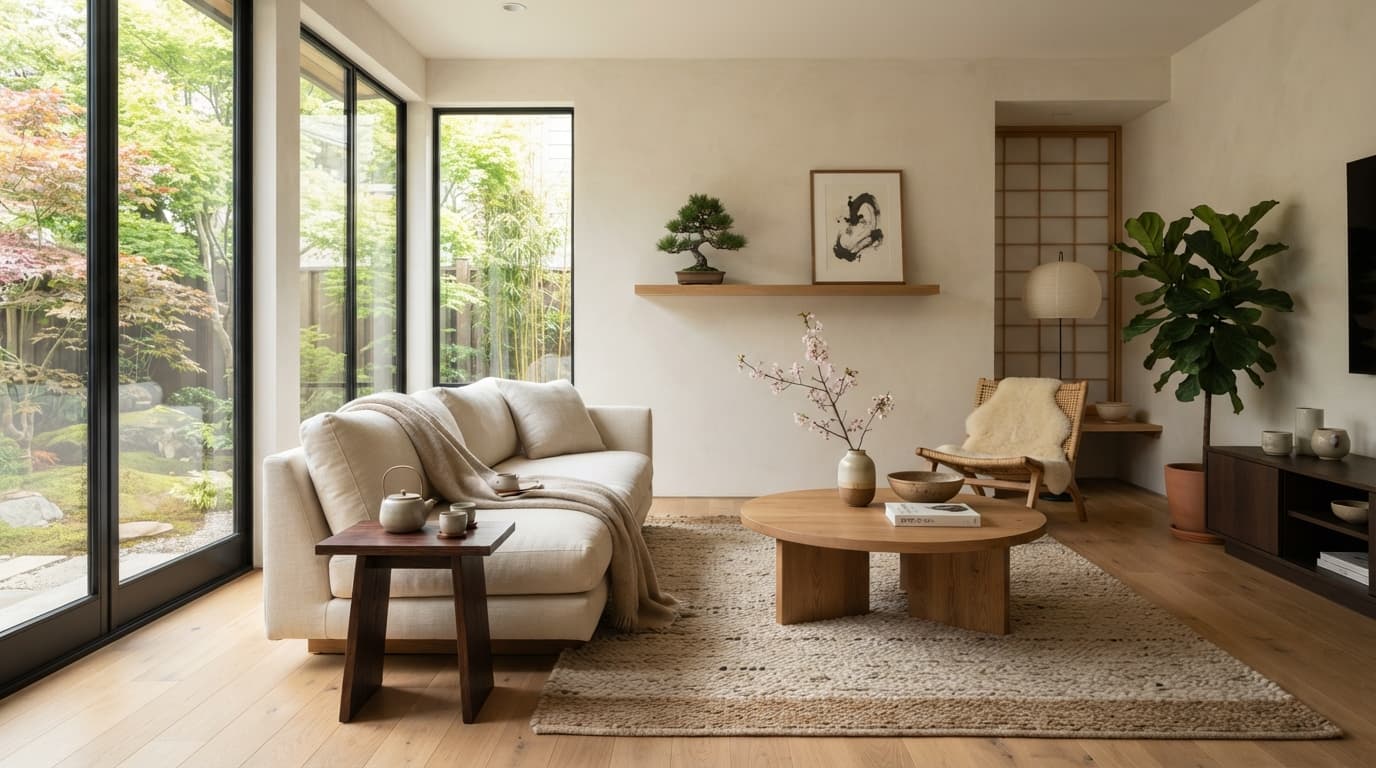
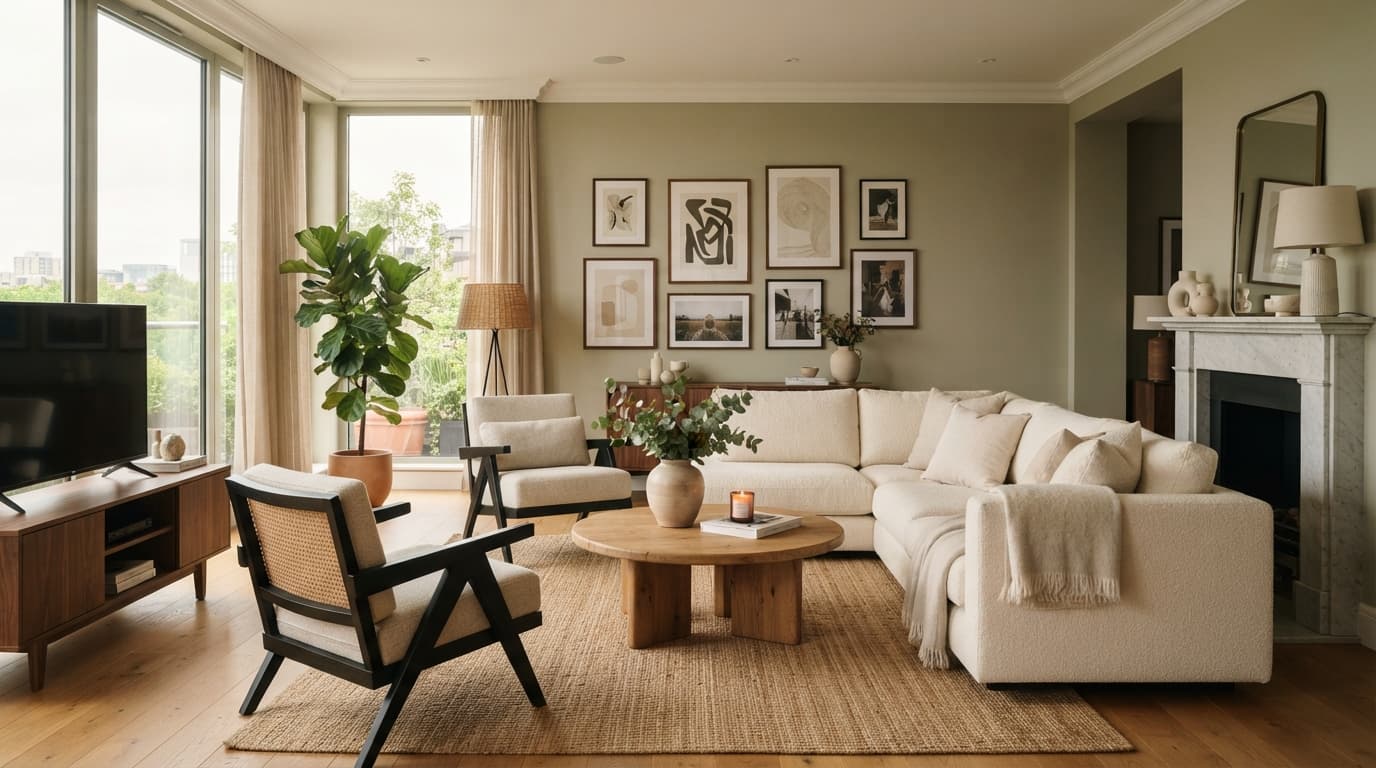
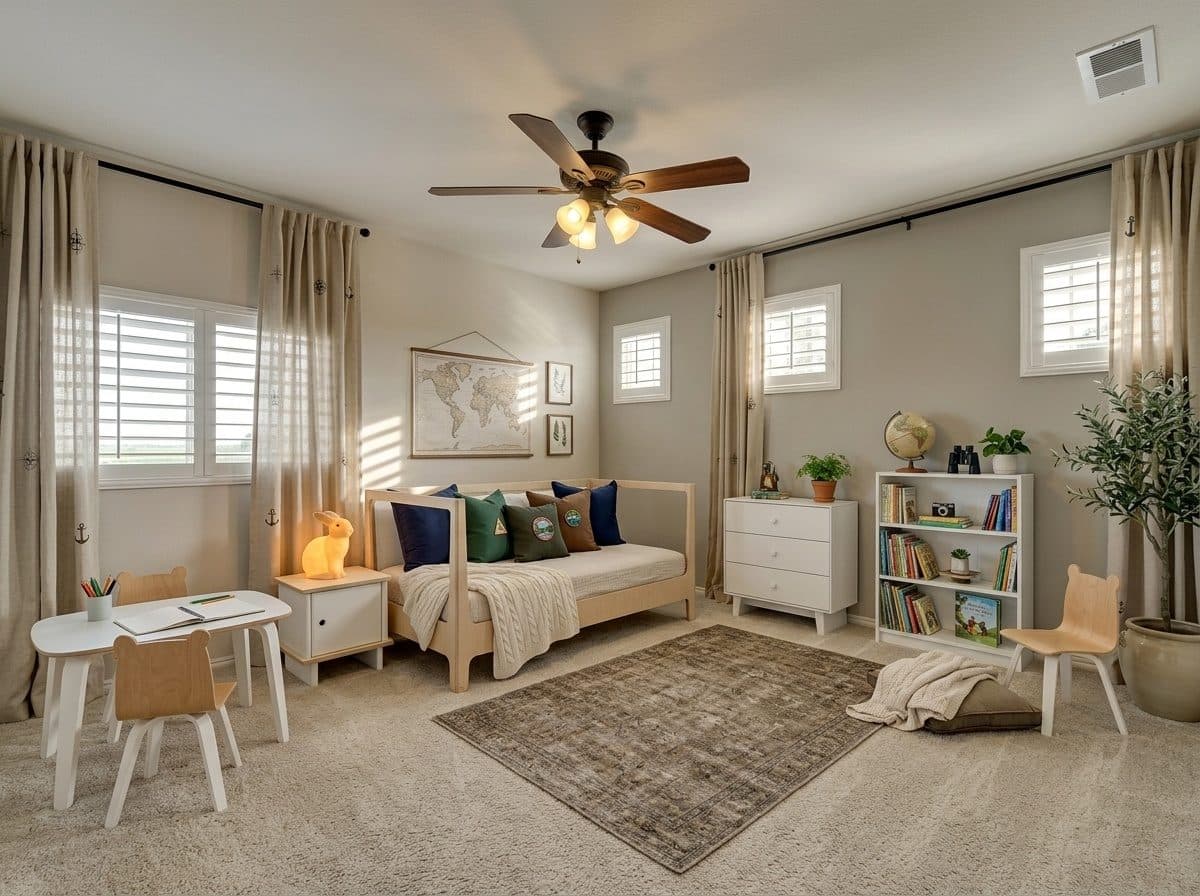
Curious what that looks like before you download? Browse the gallery of real before-and-after redesigns people have made. Those are actual rooms, actual products.
Getting started
- Download the app on iPhone or Android.
- Open it and snap a photo of any room.
- Pick a style and let Roomellow redesign it.
- Tap any product to shop, or save the design for later.
New accounts start with free renders, and you can top up anytime — see pricing for the details. There's no subscription required to try it.
This is just the start
Getting Roomellow onto the App Store and Google Play has been a long road, and it's the foundation for a lot of what's coming next — faster renders, smarter recommendations, and features that only make sense on a device you carry everywhere.
For now, we'd love for you to try it on your own space — download it free:
Or open the app hub to scan a QR code and send it straight to your phone.