Free Interior Design Apps That Use Real Furniture (Not Stock 3D Models)
Most free interior design apps use generic 3D models — design something you love, then realize you can't actually buy it. Here's the small set of free tools that use real, purchasable furniture from real retailers.
By Roomellow Team

Search "free interior design app" and you'll find dozens of options. Download three or four, design a room you love, and then run into the same wall: when you ask "how do I actually buy this sofa?", the app shrugs. The 3D sofa you placed wasn't a real product. It was a generic stand-in from the app's stock library — a model that approximates "a sofa" but isn't any specific sofa anyone sells.
This is the design-to-nowhere problem, and it's the defining limitation of free interior design tools. They're great at letting you arrange shapes in a virtual room; they're terrible at bridging from "I like this design" to "I can buy this exact thing." For inspiration and layout planning, that's fine. For making a buying decision, it's worse than useless — you've spent an hour falling in love with a sofa that doesn't exist.
This guide cuts through the noise on free interior design apps with one specific filter: does the furniture you see in the app correspond to a real product you can purchase? Most free apps fail this test. A small set passes it. Here's the comparison.
Why "real furniture" is the only filter that matters
You can rank free interior design apps on dozens of dimensions — render quality, library size, AR support, layout features. None of them matter as much as whether the furniture is real, for one reason: the whole point of designing a room is to eventually own it.
If the app's furniture is generic 3D models, you'll end up doing the work twice: once in the app to figure out what you want, and once on actual retailer sites trying to find products that match what you designed. The translation step is brutal — you'll search "modern grey sofa" on Wayfair, get 4,000 results, scroll through 200, and either give up or buy something close-enough that doesn't match your render.
If the app's furniture is real products from real catalogs, the design IS the shopping list. Click any item in the rendered room and you're on the retailer's product page, ready to checkout.
That distinction sorts every free interior design app into two camps. Most fall in the first.
The four categories of free interior design apps
Category 1: 3D layout planners (stock models only)
Examples: Floorplanner, Roomstyler, Planner 5D, HomeByMe, Coohom
These are the most common "free interior design app" search results. They give you a 2D floor plan editor where you place generic furniture shapes, then a 3D rendered view of what the room looks like. The 3D models look reasonable — leather sofas have leather-ish textures, wood tables have wood-ish grain.
What's missing: the models aren't real products. The "leather sofa" is one model that gets reused across millions of designs. The dimensions might be standard, but the visual is generic.
What they're good for:
- Floor plan and layout — does the room fit a king bed plus two nightstands plus a dresser
- Spatial sanity-checking — can two people walk past each other between the sofa and coffee table
- Early-stage ideation when you don't know what style you want yet
What they fail at:
- Picking specific products to buy
- Understanding actual cost
- Seeing how a real brand's actual sofa would look (vs. a generic stand-in)
Category 2: Brand-specific AR apps (real products, but only from one store)
Examples: IKEA Place, Wayfair View in Room, Amazon AR View, Burrow's AR tool
These apps DO use real products — IKEA Place shows actual IKEA SKUs, Wayfair's AR view shows actual Wayfair listings. Point your phone at a corner, see the product superimposed on your room via AR.
The limitation is breadth. Each app shows only that retailer's catalog. You can't see how an IKEA sofa would look next to a West Elm coffee table next to a CB2 rug. You can't compare across brands or do full-room designs. You're limited to one-product-at-a-time placement within one retailer's ecosystem.
What they're good for:
- Verifying a specific product fits before clicking buy
- Sanity-checking scale and color in your actual room
What they fail at:
- Cross-brand comparison
- Full room design
- Free exploration of "what could this room become"
Category 3: AI interior design tools (mostly generated furniture)
Examples: Interior AI, REimagineHome, RoomGPT, Decorilla AI
A newer category. Upload a photo of your room, pick a style, and the AI generates a redesigned version in seconds. The renders look stunning — photorealistic, magazine-quality.
The problem hides one click deeper. The furniture in the render isn't from any catalog. It's AI-generated — the model created a sofa that looks like a sofa but no actual brand sells it. When you ask "how do I buy this?" the answer is "find a similar one" or worse, nothing at all.
This is the most frustrating category because the visual is so good. You design a room you genuinely love, then realize you can't own it.
What they're good for:
- Style exploration ("would my room look better modern or scandi?")
- Mood-board generation for working with a real designer later
- Inspiration when you have no idea what direction to go
What they fail at:
- Anything to do with actually buying furniture
Category 4: AI tools that use real catalogs (free tier, real products)
Examples: Roomellow, and a handful of smaller startups in this category
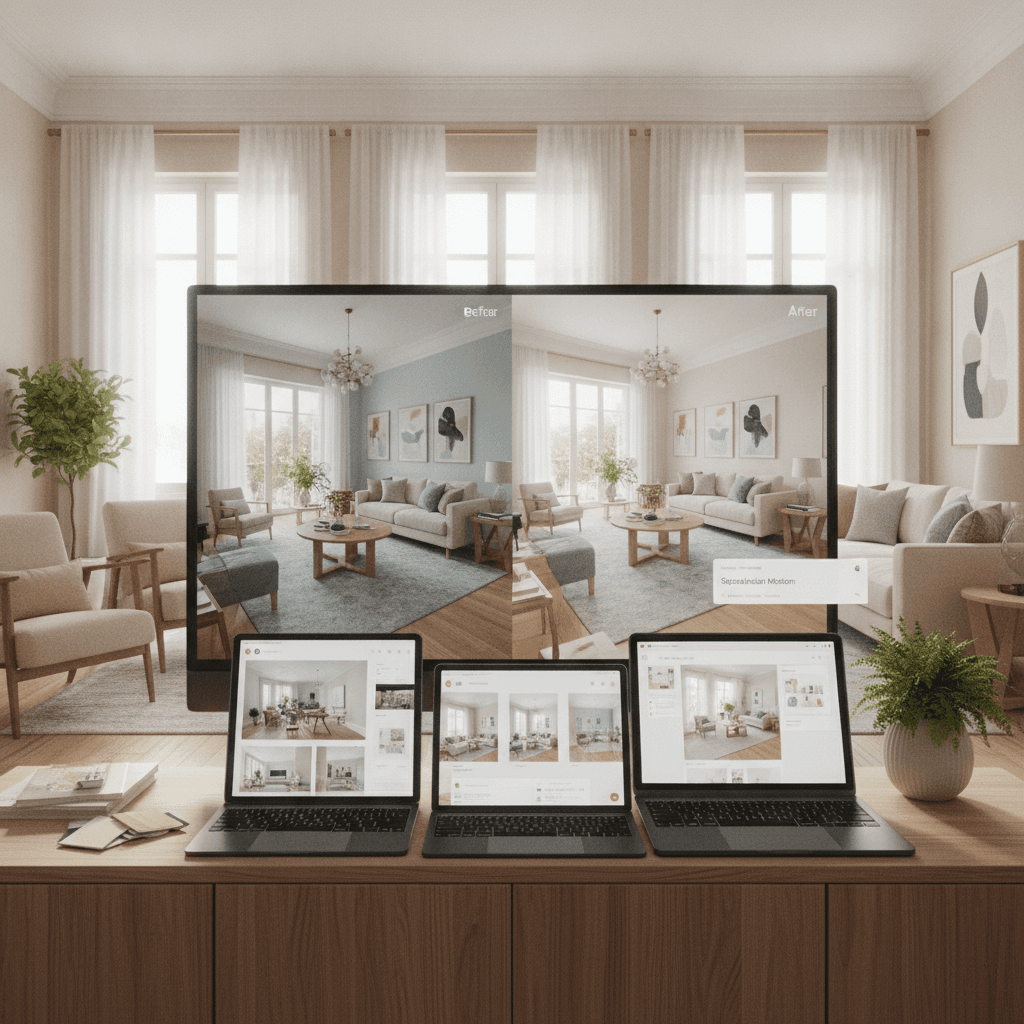
The newest category, and the only one that actually solves the design-to-nowhere problem. The model takes your room photo, picks real products from real retailers' catalogs, and composes them photorealistically. Every visible item is purchasable, with brand, price, and a direct link to the retailer's product page.
The free tier varies by tool. Roomellow gives a few renders per month free; the paid tier removes the cap and unlocks more retailer catalogs. The key thing the free tier already includes: real furniture — not generic 3D models, not AI-generated fakes. The same product engine the paid version uses.
What they're good for:
- Designing rooms you can actually buy
- Comparing products across multiple brands in the same scene
- Verifying total budget before committing
- Skipping the "design then re-search on Wayfair" double-work
What they're still working on:
- Catalog coverage — not every retailer is connected yet
- Render speed — typically 15-30 seconds vs. instant for layout planners
A side-by-side comparison
| Category | Furniture is real? | Cross-brand? | Free tier? | Best for |
|---|---|---|---|---|
| 3D layout planners | No (stock models) | N/A | Yes, generous | Floor plan / spatial planning |
| Brand AR apps | Yes (one brand) | No | Yes | Single-product sanity check |
| Generated AI design | No (AI-imagined) | N/A | Yes, limited | Pure inspiration |
| Real-catalog AI | Yes (real products) | Yes | Yes, limited | Designing rooms you'll actually own |
A specific example: designing a living room under $3,000
Let's say you want to redo your living room for under $3,000 in a modern style. Here's how the workflow plays out across the categories:
-
3D layout app: You design a beautiful layout with generic sofa, generic coffee table, generic rug. Now you have to go search Wayfair / West Elm / Article one product at a time to find real items that match. Maybe 2-3 hours of searching, plus uncertainty about whether the real products will look like your render. Budget verification: manual, error-prone.
-
Brand AR app: You verify a $1,800 IKEA sofa fits in your corner. Now you still need a coffee table, rug, lamp, side tables, and art. The IKEA AR app can show you IKEA products only. If you want to mix in a West Elm coffee table, you switch apps and start over. Budget verification: spread across multiple apps.
-
Generated AI design: You get a gorgeous render. None of the furniture exists. You try to find similar pieces and end up with a $4,800 room that looks 70% like the inspiration. Budget verification: failed (couldn't stay under $3,000 because the inspiration wasn't buyable).
-
Real-catalog AI: You get a render with a $1,200 sofa, $400 coffee table, $300 rug, $200 lamp, $250 side table, $150 art print — total $2,500, under budget. Each item links to the retailer where you can buy it. Iterate by swapping the sofa for a cheaper alternative if needed. Budget verification: continuous, accurate.
The first three categories all have legitimate uses. The last one is the only one that actually delivers what most people mean when they search "interior design app free" — a tool that helps them design and buy a real room.
When free apps are still worth it
Free 3D layout apps remain the best choice for two specific use cases:
- Spatial planning before any purchase decision — when you're moving into a new place and want to figure out what furniture will physically fit
- Pure curiosity / no buying intent — when you're playing with ideas and have no plan to actually buy
For everything in between — researching a room redesign, comparing styles, picking actual products — the real-catalog AI category is the one to use, even with its free-tier limits. Designing rooms you can't buy is worse than not designing at all, because you end up emotionally attached to something that doesn't exist.
The short version
The "free interior design app" search returns a lot of options that look similar on the surface. The single filter that separates useful from frustrating: does the furniture in the app correspond to real products you can buy? Most apps fail this test. A few pass it. Use the ones that pass it when you're actually trying to redesign a room; use the others for floor plans and inspiration.
Want to try the real-catalog approach with your room? Upload a photo and see what your space could look like — the free tier doesn't require a credit card, and every product in the render is something you can actually buy.