Virtual Room Designer Online Free: Plan Your Dream Home
Unlock your dream home with a virtual room designer online free! Visualize layouts, experiment with designs, and plan renovations without cost. Start designing today!
By Roomellow Team
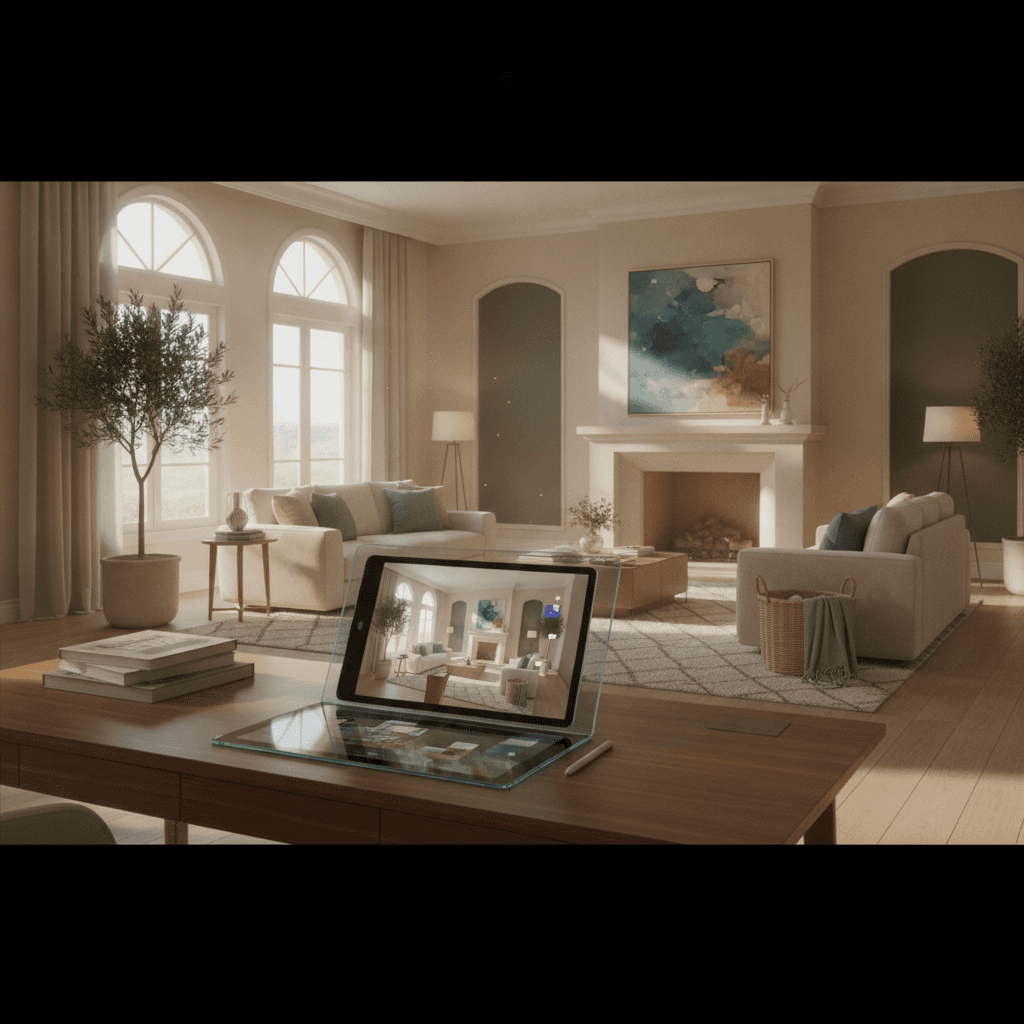
Envisioning a fresh look for your living space is exciting, but transforming that vision into reality often feels daunting. You’re likely searching for "virtual room designer online free" because you want to experiment, visualize, and plan without commitment or expensive software. The good news is, technology has revolutionized home design, making it more accessible than ever before. Gone are the days of guessing how a new sofa will fit, or whether that bold paint color will clash. Today, virtual room designers offer a powerful way to bring your design ideas to life digitally, allowing you to iterate and perfect your space before spending a single dollar on furniture or paint.
This comprehensive guide will walk you through the world of virtual room designers, exploring their capabilities, highlighting what to look for, and showing you how to leverage these tools – especially advanced AI platforms like Roomellow – to create the home of your dreams. Whether you're planning a full renovation or just looking to refresh a single room, understanding how to use these digital tools effectively is your first step towards a stunning interior.
The Allure of Virtual Room Designers: Visualize Before You Realize
The appeal of a virtual room designer is clear: it removes much of the guesswork from interior design. Instead of sketching on paper or meticulously taping out furniture layouts on your floor, these tools allow you to digitally arrange, re-arrange, and customize your space.
Why "Free" is a Complex Promise
When you search for "virtual room designer online free," you're looking for accessibility without an upfront cost, which is entirely understandable. Many platforms offer a "free" tier, but it's crucial to understand what that often entails.
- Basic Functionality: Truly free tools typically provide fundamental layout planning, generic furniture assets, and limited customization options. They are excellent for rudimentary space planning or trying out simple color schemes.
- Freemium Models: Most robust virtual designers operate on a freemium model. This means you get a taste of their capabilities for free – perhaps a limited number of projects, basic features, or access to a smaller furniture library. To unlock advanced features like realistic 3D rendering, a wider selection of real-brand furniture, or AI-powered suggestions, a subscription or one-time payment is usually required.
- AI-Powered Innovation: Platforms leveraging artificial intelligence, like Roomellow, often fall into the freemium category. While they might offer free trials or basic uploads, the true power of AI-driven redesign, which analyzes your existing space and suggests purchasable furniture, represents significant computational and data integration costs. This value goes far beyond what a simple drag-and-drop tool can offer.
The key is to determine what level of functionality you truly need. If you're merely trying to see if a 3-seater sofa fits into a specific corner, a basic free tool might suffice. But if you're looking to completely redesign a living room or bedroom, exploring various styles like modern or bohemian, and then seeing those designs come to life with actual products you can buy, a more advanced solution will be invaluable.
How Virtual Room Designers Transform Your Design Process
At their core, virtual room designers are digital canvases for your interior design ideas. They take your room's dimensions or even an uploaded photo and allow you to manipulate elements within that digital space.
- 2D Layout Planners: These are the most basic, often free tools. You draw your room's floor plan, then drag and drop generic furniture shapes to create a layout. They're great for understanding spatial relationships and traffic flow.
- 3D Renderers: Moving beyond 2D, these tools render your room and furniture in three dimensions. This provides a much better sense of depth, scale, and how objects relate to each other visually. You can often "walk through" your virtual room.
- AI-Powered Platforms: This is where the magic happens. Tools like Roomellow go a step further. Instead of starting from scratch, you upload a photo of your existing room. The AI analyzes the space, understands its architecture, existing elements, and lighting. Then, it can apply entirely new design styles, suggest furniture pieces that fit the dimensions and chosen aesthetic, and even provide links to purchase those items from real stores. This drastically reduces the time and effort traditionally required for complex design. Read more about this in our article on How to Redesign Your Room with AI (And Actually Buy the Furniture).
Essential Features to Look for in a Virtual Room Designer
To get the most out of your digital design journey, consider these critical features:
- Ease of Use: Is the interface intuitive? Can you quickly learn to navigate and manipulate objects without a steep learning curve?
- Extensive Furniture & Decor Library: Does it offer a wide range of furniture styles, sizes, and decor items? Crucially, does it feature real products from popular retailers? Generic assets are fine for layout, but real products are essential for actual purchasing decisions.
- Realistic 3D Visualization: High-quality renderings make a huge difference in how accurately you can envision your future space. Look for tools that offer realistic lighting and material textures.
- Style & Theme Options: Can you easily explore different interior design styles, from Scandinavian to mid-century modern, or even mix elements from Modern vs Farmhouse Interior Design: Which Style Is Right for You??
- AI-Driven Suggestions: Does the platform offer intelligent recommendations based on your preferences, uploaded photo, or desired style? This is a game-changer for design inspiration and efficiency, as discussed in AI Interior Design Tips: Get the Best Room Redesign Results.
- Customization Options: Can you change wall colors, flooring, and material finishes easily?
- Saving & Sharing: Can you save multiple design iterations and easily share them with family, friends, or a contractor for feedback?
- Purchasing Integration: For advanced platforms, the ability to click on a furniture piece in your virtual design and go directly to a furniture store to purchase it is a massive advantage.
Step-by-Step: Using a Virtual Room Designer to Redesign Your Space
Let's break down the practical process of using a virtual room designer, keeping in mind the capabilities of advanced tools like Roomellow.
Step 1: Define Your Vision and Goals
Before you even open a design tool, clarify what you want to achieve.
- Functionality: Is this a home office that needs to boost productivity, or a cozy bedroom retreat?
- Style: Are you drawn to minimalist aesthetics, or something more vibrant like bohemian? Browse inspiration online to gather ideas.
- Budget: Set a realistic spending limit. Virtual tools can help you stick to it by showing real product prices. For tips, check out Interior Design on a Budget: How to Style Your Room Without Overspending.
Step 2: Measure Your Space Accurately
This is non-negotiable for any design project. Measure the length, width, and height of your room. Note the placement of windows, doors, outlets, and any architectural features like fireplaces or built-in shelving. Small inaccuracies can lead to big problems when real furniture arrives.
Step 3: Upload Your Room Photo (The AI Advantage)
This is where Roomellow shines. Instead of laboriously drawing a floor plan, you simply upload a clear photo of your existing room. The AI processes this image, understands the spatial dimensions, and identifies existing elements. This instant digital twin of your room becomes your canvas. This feature saves immense time and ensures your designs are grounded in the reality of your actual space.
Step 4: Experiment with Layouts and Furniture
With your room virtually established, start playing!
- Layout: Drag and drop furniture pieces. Try different arrangements for your living room, experimenting with various sofa configurations or placing a dining table in your dining room. Consider traffic flow – can you move freely around the room without bumping into furniture?
- Furniture Selection: Browse the extensive library. If you're looking for a new sofa, try out different styles and sizes. Our guide on Expert Guide: Choose the Right Sofa for Your Living Room can help you make informed choices here. Don't forget storage solutions, lighting fixtures, and accent pieces.
- Scale and Proportion: Pay close attention to how furniture looks in relation to the room and other pieces. A massive sectional might overwhelm a small apartment, while tiny pieces can feel lost in a large space. This is particularly important for smaller rooms; see our tips on How to Design a Small Living Room (Without Making It Feel Cramped) or Best Furniture for Small Apartments: Maximize Your Tiny Space.
Step 5: Refine Your Design with AI Suggestions
This is where AI goes beyond simple visualization. Based on your uploaded photo and chosen preferences, Roomellow can offer:
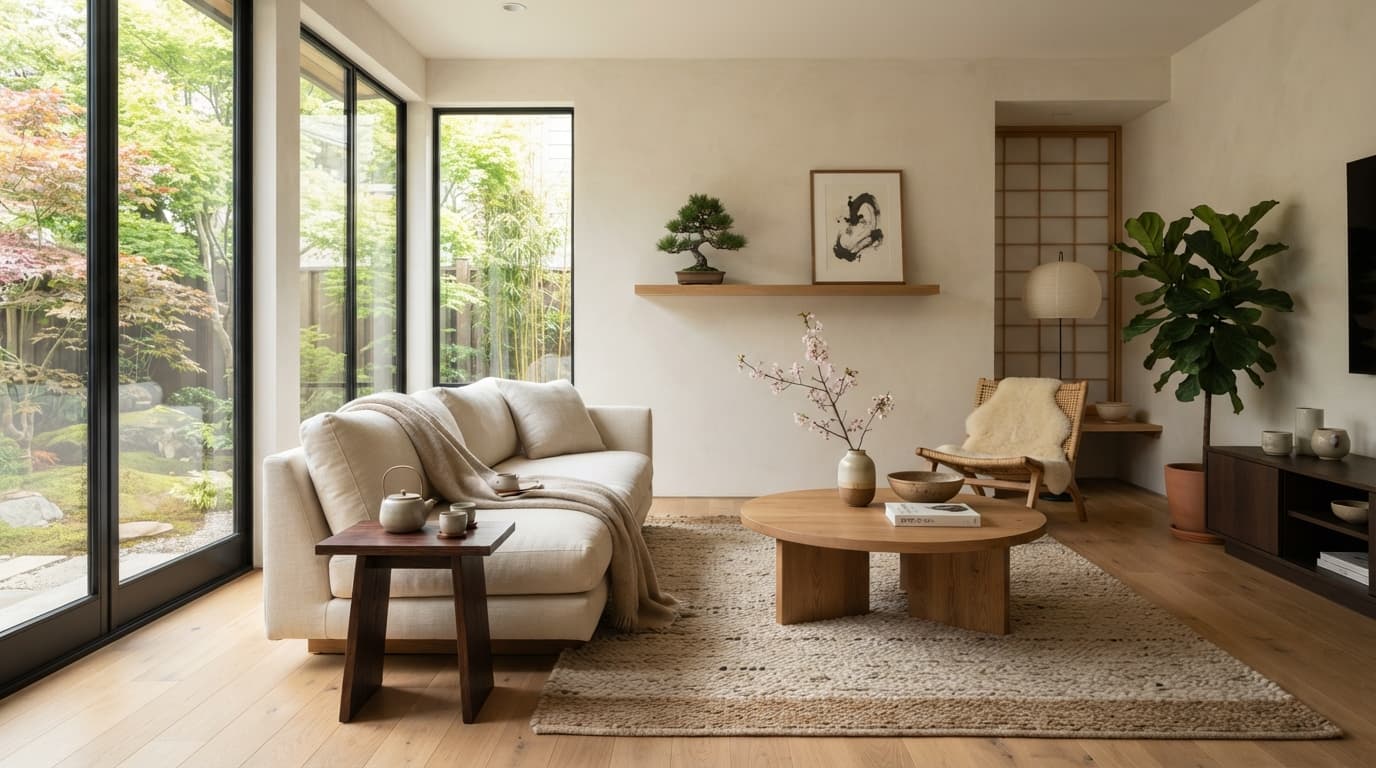
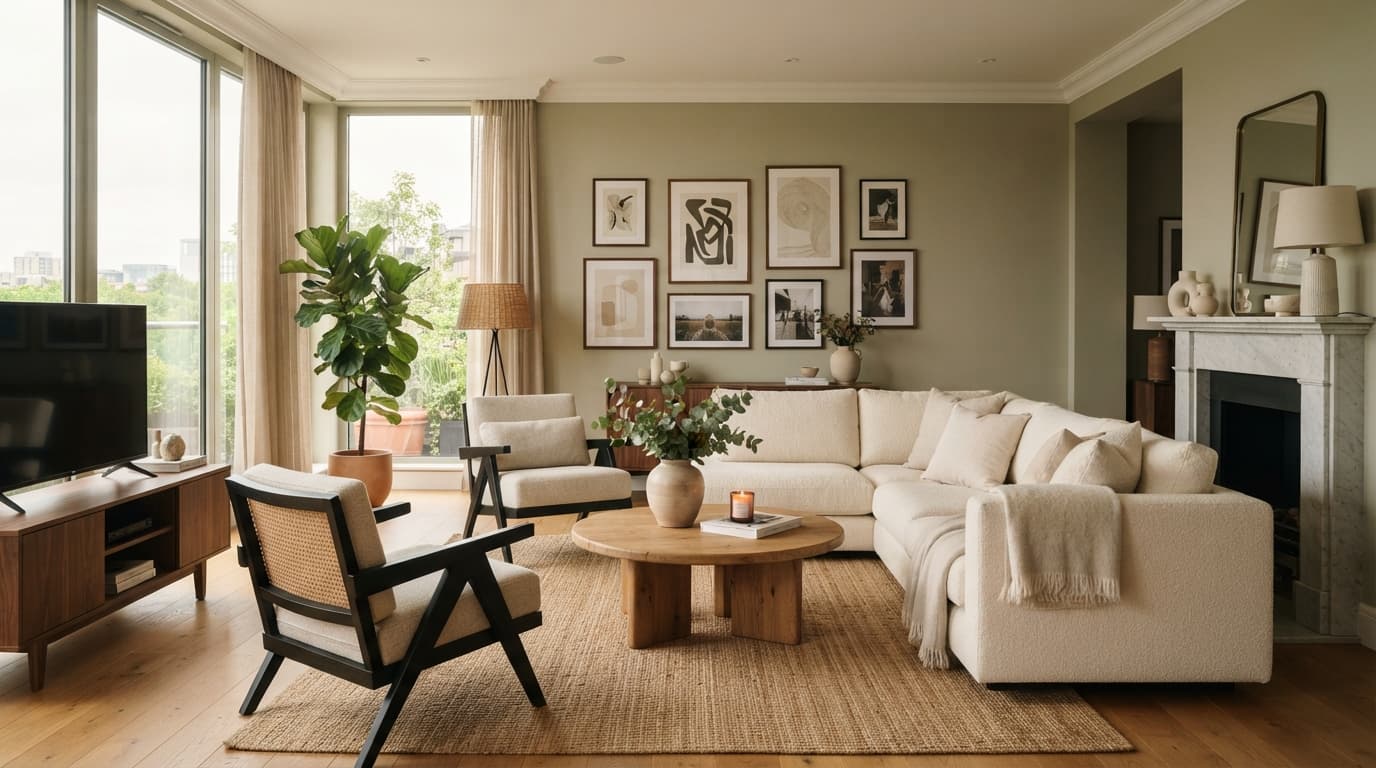
- Style Transformations: Instantly switch your room from farmhouse to modern.
- Furniture Recommendations: Get suggestions for specific chairs, tables, or storage units that fit your chosen aesthetic and room dimensions.
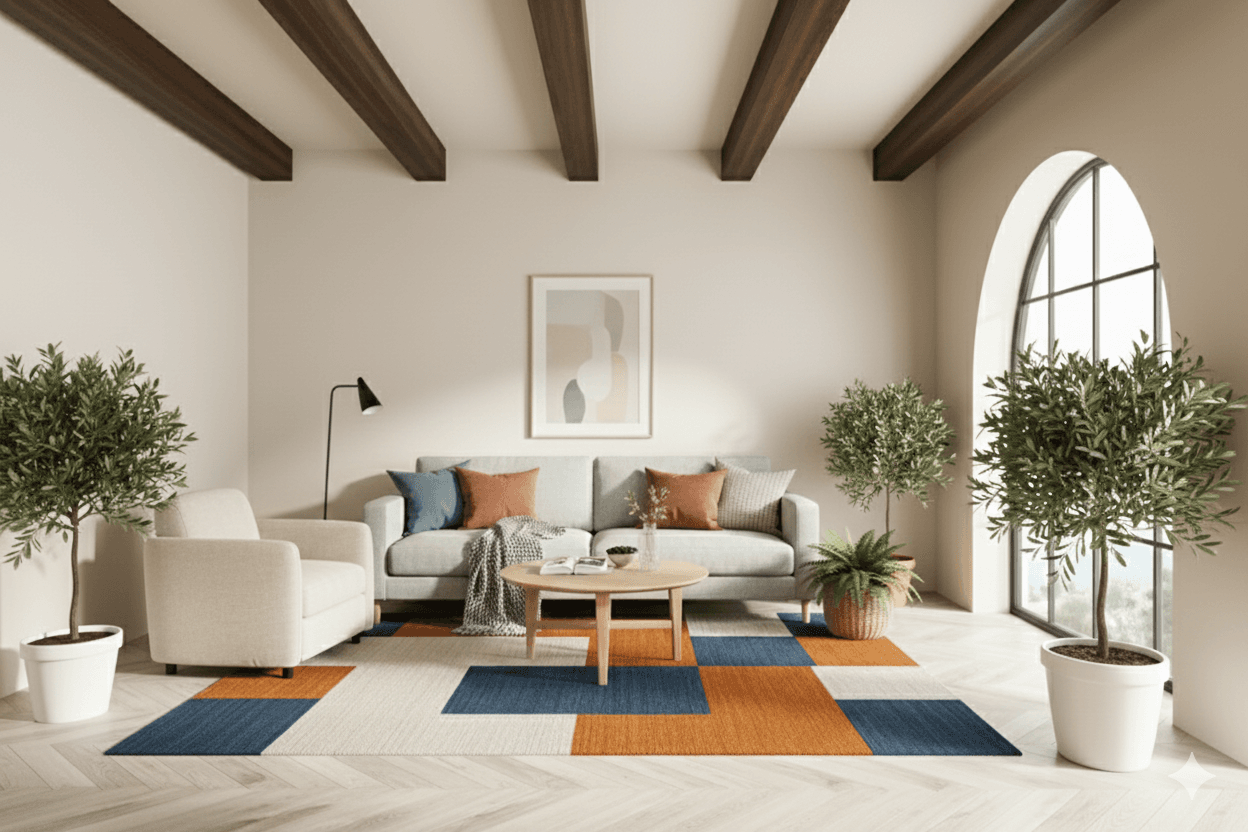
- Color Palettes: Experiment with different wall colors, rug patterns, and accessory hues to see what truly harmonizes.
- Decor Ideas: Discover curated decor items that complete the look, from wall art to plants.
Step 6: Review and Purchase
Once you have a design you love, analyze it critically. Does it meet your functional needs? Does it align with your aesthetic vision? With Roomellow, you can then click on the furniture pieces you’ve selected and be directed to furniture stores for direct purchase. This seamless transition from virtual design to real-world acquisition is one of the biggest benefits, saving you from endlessly searching for similar items online.
Comparing Virtual Room Designer Options
Understanding the spectrum of tools available can help you choose the right one for your needs.
| Feature / Tool Type | Basic Free Planners (e.g., Floorplanner basic) | Freemium (e.g., Planner 5D, IKEA Place) | Advanced AI (e.g., Roomellow) |
|---|---|---|---|
| Cost | Free | Free basic, subscription for advanced | Free basic/trial, subscription for full AI |
| Input Method | Draw floor plan, pre-set templates | Draw floor plan, some photo upload | Upload existing room photo |
| Furniture Library | Generic shapes, limited choices | Larger, some branded options | Vast, real purchasable products |
| 3D Rendering Quality | Basic, schematic | Good, fairly realistic | Highly realistic, photorealistic |
| AI Integration | None | Minimal (e.g., basic recommendations) | Core feature: Style transformations, product suggestions |
| Customization | Basic colors, textures | More extensive (materials, colors) | Extensive, detailed material & color options |
| Ease of Use | Simple | Moderate learning curve | User-friendly, intuitive |
| Purchasing Linkage | None | Limited to specific brands | Direct links to furniture retailers |
| Best For | Simple layouts, basic room planning | Visualizing new furniture, simple redesign | Full room transformation, exploring styles, finding real products |
Maximizing Your Virtual Design Experience
To get the most out of your chosen virtual room designer, keep these tips in mind:
- Consider Lighting: Natural and artificial lighting play a huge role in how a room feels. Experiment with placing lamps and envisioning how light enters the room at different times of day.
- Don't Forget Accessories: While big furniture pieces are important, accessories like rugs, curtains, artwork, and plants truly bring a room to life and add personality.
- Think About Flow: Ensure there's enough space to walk comfortably between furniture. A common mistake is overcrowding a room, especially a small one. Our guide on How to Design a Small Living Room (Without Making It Feel Cramped) offers specific advice on this.
- Get Feedback: Share your designs with friends or family. A fresh pair of eyes can spot something you might have missed or offer new perspectives.
- Iterate, Iterate, Iterate: The beauty of a virtual tool is that you can easily make changes. Don't settle for the first design; try several variations until you find the perfect one.
- Explore Trends: Keep an eye on current and future design trends. Check out Interior Design Trends 2026: Try Them in Your Room Before Committing for inspiration, but always ensure trends align with your personal style.
The Roomellow Advantage: Beyond "Free"
While the allure of "free" is strong, the true value in redesigning your space lies in accuracy, efficiency, and the ability to turn virtual plans into a tangible reality. Roomellow (roomellow.com) addresses this directly.
We understand the initial search for free tools, but Roomellow offers a premium experience designed to save you time, money, and stress in the long run. By using advanced AI, Roomellow doesn't just let you drag and drop generic furniture; it understands your room from a photo and generates entirely new designs with real, purchasable furniture from furniture stores. This means:
- No More Guesswork: See exactly how a sofa from Wayfair or a rug from Pottery Barn will look in your living room.
- Personalized Designs: Get design suggestions tailored to your existing space and preferred style, be it minimalist or bohemian.
- Time-Saving: Skip the tedious measuring and floor planning. Upload, choose a style, and let the AI do the heavy lifting.
- Inspiration to Purchase: Directly link from your perfect design to the product page, making buying decisions straightforward and confident.
While there might be a small investment to unlock Roomellow's full AI capabilities, consider it an investment in flawless design and avoiding costly design mistakes. The value it adds far outweighs the cost of endlessly searching for free, generic tools that can't deliver the same level of realism or actionable purchasing advice.
Designing on a Budget with Virtual Tools
One of the often-overlooked benefits of virtual room designers is their potential to save you money, even if the tool itself isn't entirely free.
- Avoiding Costly Mistakes: By visualizing furniture in your space before buying, you prevent purchasing items that don't fit, clash with your existing decor, or simply don't look as good in person. Returns are a hassle and can sometimes incur restocking fees.
- Optimizing Layout: An efficient layout can mean you need fewer pieces of furniture or smaller, more affordable ones. For example, a well-placed storage ottoman might negate the need for a separate side table and storage unit.
- Shopping Smarter: When your virtual design uses real products, you can immediately check prices and compare options across different retailers. This allows for strategic shopping, especially when considering a large purchase like a dining table for your dining room or a desk for your home office.
- DIY Confidence: Seeing a complete design virtually can give you the confidence to tackle DIY projects, like painting or upcycling, instead of hiring professionals for every step.
Here's how virtual tools contribute to budget-friendly design:
| Budget-Friendly Principle | How Virtual Tools Help |
|---|---|
| Plan Precisely | Visualize every item's placement, preventing impulse buys or ill-fitting furniture. |
| Compare Options | Easily swap out furniture from different price points to see the visual impact, without moving physical items. |
| Maximize Existing Pieces | See how your current furniture might integrate into a new design, reducing the need to buy everything new. |
| Strategic Spending | Focus your budget on key pieces that make the biggest impact, knowing exactly how they'll look before committing. |
| Cost Transparency | Many advanced tools show real product prices, allowing you to manage your budget within the design process. |
For more detailed strategies on managing your design expenses, refer to our Interior Design on a Budget: How to Style Your Room Without Overspending post.
Common Pitfalls to Avoid in Virtual Room Design
Even with powerful tools, some common mistakes can hinder your virtual design efforts:
- Skipping Measurements: Relying on approximations will lead to furniture that doesn't fit in real life, no matter how good it looks virtually.
- Ignoring Scale and Proportion: A huge sectional can look fine on a small screen, but in a small living room, it will dwarf everything else. Always refer back to your room dimensions.
- Overcrowding the Space: Just because you can fit many items doesn't mean you should. Leave room for movement and visual breathing space.
- Forgetting About Light: How natural light enters your room and where you place artificial lighting sources significantly impacts the mood and functionality.
- Not Considering Lifestyle: Does the design reflect how you actually live? If you have pets or children, a pristine white sofa might not be practical, no matter how good it looks virtually.
- Sticking to One Style Too Strictly: While design styles are great guides, don't be afraid to mix and match elements to create a unique look that truly reflects you. For instance, you could blend elements from Scandinavian vs Minimalist Interior Design: Choose Your Vibe.
Frequently Asked Questions About Virtual Room Designers
Is a virtual room designer truly free?
Many offer basic free versions for simple floor planning or limited design. However, advanced features like realistic 3D rendering, extensive real-product libraries, and AI-powered design suggestions (like those offered by Roomellow) typically come with a premium subscription or one-time fee. The "free" aspect often serves as a trial or a very basic starting point.
Can I use these tools on my phone?
Yes, many virtual room designers offer mobile apps for both iOS and Android. This allows for on-the-go design, photo uploads directly from your device, and easy sharing. Roomellow's platform is optimized for seamless use across devices.
How accurate are the furniture representations?
The accuracy varies greatly by platform. Basic free tools often use generic, simplified 3D models. Higher-end freemium and advanced AI tools, especially those that feature furniture from retailers (like Roomellow), strive for high accuracy, sometimes even using exact 3D models provided by manufacturers. This ensures that what you see virtually is very close to the real product.
Do these tools offer real products for purchase?
Again, this depends on the tool. Basic planners do not. Many freemium models might feature a limited selection from specific brands. Advanced AI platforms like Roomellow excel here, integrating vast catalogs of real, purchasable furniture and decor from numerous furniture stores, providing direct links for effortless shopping.
Conclusion
The days of second-guessing your interior design choices are over. Virtual room designers, particularly those powered by advanced AI like Roomellow, offer an unparalleled ability to visualize, experiment, and perfect your living space before you commit to any purchases. While the search for "virtual room designer online free" will yield several basic options, understanding the nuanced value of more sophisticated tools that offer realistic rendering, AI-driven insights, and direct purchasing links is key to achieving truly stunning and functional results. Take the leap into digital design, and transform your vision into a reality with confidence and creativity.
Ready to redesign your room?
Upload a photo of your room and get a professional AI redesign with real furniture you can buy. Free to try — no credit card required.
Try Roomellow free