Transform Your Home: AI Room Planner Makes Redesign Easy
Struggling to visualize your room redesign? Discover how an AI room planner eliminates doubt, ensures perfect scale, and brings your dream space to life. Plan with confidence!
By Roomellow Team
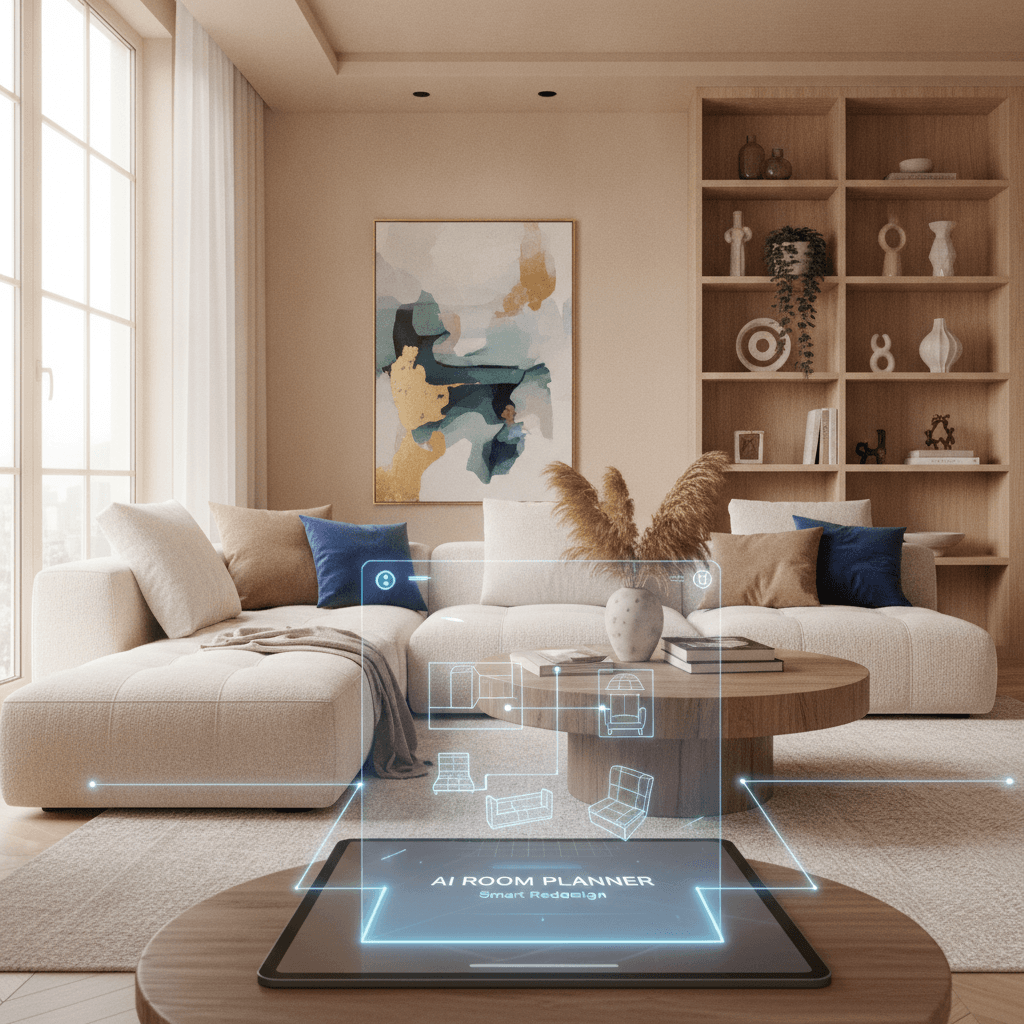
Redesigning a room can feel like climbing Mount Everest in high heels. You’re excited about the summit, but the sheer effort of planning, measuring, imagining, and second-guessing every single purchase often stops you before you even lace up your boots. The biggest hurdle? Visualizing the end result.
It’s one thing to scroll through endless inspiration photos online or save a hundred beautiful rugs to a Pinterest board. It’s entirely another to look at your current living room, with its awkward alcove and that one wall that always seems too empty, and truly see how a new sofa, a different console, and a fresh rug will actually look together. Will the scale be right? Will the colors clash in person? Will that mid-century modern credenza you’ve been eyeing dwarf your existing armchair, or worse, look like a toy in a giant's room? This is where the right tools can make all the difference, transforming that daunting mountain into a manageable hike.
The Visualization Problem is Real
For years, designers relied on sketches, mood boards, and sometimes even physically moving existing furniture around (or at least taping off dimensions on the floor) to get a sense of a space. While those methods still have their place, they're time-consuming and often still leave room for doubt. It's especially tricky when you're trying to combine pieces from different stores – a sofa from Article, a coffee table from Albany Park, and an accent chair from Poly & Bark. Each piece looks great on its own, but seeing them together, in your actual room, with your unique lighting and existing flooring? That’s the real magic, and traditionally, it required a leap of faith (and a good return policy).
We've heard countless stories of the disappointment of a new rug arriving only to realize it's too small, or a sofa that looked perfect online suddenly consuming half the room. These are not just minor inconveniences; they’re costly mistakes that can derail your entire design plan and suck the joy right out of the process. This is precisely why the concept of an AI room planner has become such a compelling solution for so many people. It promises to bridge that gap between imagination and reality, offering a glimpse into your future room before you ever click "add to cart."
What an AI Room Planner Should Deliver
Not all AI room planners are created equal. You’ll find everything from basic layout tools to highly sophisticated renderers. A truly valuable AI room planner should do more than just generate pretty pictures. It needs to provide actionable, realistic insights.
Here's what to look for when evaluating these tools:
- Real Furniture, Real Stores: This is non-negotiable. Generic 3D models are fun for brainstorming, but they don't help you make actual purchasing decisions. A good AI room planner should allow you to visualize specific items you can buy from real furniture stores. You need to see that exact velvet sofa or walnut credenza — one that's actually in stock at a real store — in your space.
- Accurate Scale and Placement: The AI should understand dimensions. When you upload a photo of your room, it should place furniture in a way that respects the room's proportions, so what you see reflects how the pieces would actually fit. This is crucial for avoiding that "too big" or "too small" feeling.
- Style Cohesion: While the AI won't read your mind, it should offer suggestions that align with a chosen aesthetic. If you're leaning into modern design, it shouldn't be suggesting a rustic farmhouse table unless you specifically ask for it.
- Before-and-After Comparisons: The ability to instantly compare your current room with a redesigned version is incredibly powerful. It helps you see the transformation clearly and confirm that the changes you're making are actually improvements.
This is the kind of intelligence that turns an AI room planner from a novelty into an essential design assistant.
A Systematic Approach to Room Design (and How AI Can Help)
Before you even open a design tool, it pays to follow a systematic approach. It's less about rigid rules and more about building a solid foundation. An AI room planner doesn't replace this process, but it dramatically enhances it.
Step 1: Define Your Function & Flow
Every room has a purpose. Is your living room primarily for movie nights, entertaining, reading, or all of the above? Is your bedroom a sanctuary for sleep, or does it need a small workspace? Identifying the primary function dictates the furniture you need and how it should be arranged.
- Traffic Flow: This is often overlooked. Imagine invisible pathways through your room. Can you easily walk from the door to the sofa, or from the bed to the closet, without bumping into furniture? A minimum of 30-36 inches of clear pathway is generally ideal, but you can get away with 24 inches in tighter spots. When you're using an AI room planner, actively "walk" through the virtual space. Are there bottlenecks? Can you easily access drawers or open doors?
Step 2: Get Your Measurements Right – The Non-Negotiable Foundation
This is where design truly begins. You cannot — repeat, cannot — design a functional and beautiful room without precise measurements.
- Room Dimensions: Length, width, and ceiling height.
- Architectural Features: Windows (width, height, distance from floor/ceiling), doors (width, swing direction), fireplaces, built-ins, radiators, and outlets.
- Existing Furniture: If you're keeping anything, measure it! Length, width, depth, and height.
An AI room planner works best when you feed it accurate information. Many platforms allow you to upload your room photo and then manually adjust or confirm dimensions within the tool itself, which is a huge help. This ensures that when the AI places a 96-inch sofa, it's actually representing that 96-inch sofa in your 12x15 foot living room, not just a generic placeholder. If you're grappling with how to effectively map out your space, you might find some guidance in how to design a room when you don't know where to start.
Step 3: Anchor with Key Pieces (The Big Furniture First)
Once you understand the room's function and have your measurements, it’s time to place the foundational pieces. These are typically the largest items: the sofa in a living room, the bed in a bedroom, the dining table in a dining room.
- The Sofa: For a living room, always start with the sofa. A common mistake is buying a sofa that's too small for the room or, conversely, one that's too big and blocks traffic. Consider how many people need to sit comfortably. For a standard living room, a 90-inch sofa often works well. If you have the space and want maximum seating, a sectional can be incredibly comfortable, but make sure it doesn't overwhelm the room.
- The Rug: After the sofa, the rug is next. For a living room, a 9x12 rug under a standard three-seater sofa and two accent chairs is often the minimum. For a sectional, it's non-negotiable that at least the front two feet of all primary seating pieces rest on the rug. Anything smaller makes the room feel disconnected and the furniture look like it's floating. The AI room planner allows you to experiment with different rug sizes and see this scale immediately, preventing that common mistake of buying a 5x7 rug for a substantial living area.
- The Bed: In a bedroom, the bed is the focal point. Decide on the size (Queen, King) based on your needs and the room's dimensions. For a queen bed (60"x80"), you'll typically need at least 30-36 inches on either side for nightstands and easy movement.
Step 4: Layer in Secondary Furniture (Storage, Seating, Surfaces)
With your anchor pieces in place, it’s time to fill in the gaps. This includes coffee tables, side tables, consoles, bookshelves, and accent chairs.
- Coffee Tables: A good rule of thumb: a coffee table should be roughly two-thirds the length of your sofa and no more than 18 inches from the sofa’s edge. This keeps it within easy reach for drinks but doesn't create a tripping hazard.
- Accent Chairs: Mixing and matching pays off. Skip the matching sofa and armchair set. Instead, pick a fabric sofa and pair it with a leather accent chair, or an upholstered chair in a complementary color or texture. This adds depth and personality. For more ideas on how to make this work, check out our guide on how to mix and match furniture. When using an AI room planner, you can swap out different accent chairs, playing with styles like a sleek mid-century modern lounge chair versus a more traditional upholstered club chair, and instantly see how each impacts the overall feel.
- Consoles/Credenzas: These are great for storage and displaying decor. Ensure they are proportional to the wall they are on – typically not extending past the sofa if placed behind it, or not looking lost on a very large wall. A console table for a 60-inch TV might be 60-72 inches wide itself to provide balance.
Step 5: Lighting, Textiles, and Art (The Soul of the Room)
These are the elements that truly bring a room to life and infuse it with your personality.
- Layered Lighting: You need more than just a single overhead light. Think ambient (recessed lights, floor lamps), task (table lamps for reading), and accent (picture lights, dimmer-controlled lamps). Aim for at least three sources of light in a living room.
- Textiles: Rugs, throw pillows, blankets, and curtains. These add softness, texture, and color. For curtains, go floor-to-ceiling. Hang your curtain rod as close to the ceiling as possible (often 4-6 inches above the window frame) and ensure the panels just skim the floor. Anything shorter looks cheap and unfinished. Bouclé fabric looks incredible on an accent chair, for instance, but if you have pets, prepare for a constant battle with snags and fur; it's a trade-off.
- Art: Art is personal, but scale matters. A general guideline for hanging art over a sofa or console is that the bottom of the frame should be 6-8 inches above the furniture. If it’s a single large piece, it should typically be about two-thirds the width of the furniture it's above.
An AI room planner won't tell you what art to pick, but it can show you how a larger piece might feel compared to a gallery wall, or how a pop of color in a throw pillow can tie into a piece of art on the wall.
An Honest Take on AI Room Planners
AI room planners are a fantastic leap forward, but let's be realistic. They are powerful tools, not magic wands.
The Benefits are Clear:
- Visualization Confidence: This is the big one. Seeing a realistic rendering of your room with real furniture removes so much doubt. No more squinting at product photos and trying to mentally paste them into your space.
- Prevent Costly Mistakes: By allowing you to virtually "try on" furniture, you can avoid buying pieces that are the wrong size, style, or color for your room. Imagine saving yourself the headache and expense of returning a sofa!
- Experimentation Without Commitment: You can rapidly test dozens of layouts, furniture combinations, and style choices in minutes, something that would take hours, if not days, to do manually. Want to see if a Scandinavian style credenza works better than a more mid-century modern one? You can swap them instantly.
- Real Product Integration: The best tools, like Roomellow, allow you to see products from various furniture stores right there in your room, making the path from inspiration to purchase incredibly direct. This is a game-changer for anyone trying to buy furniture online and test it in your room.
The Limitations (for now):
- Nuance of Texture and Material: While AI is getting better at rendering, the tactile experience of a bouclé fabric or the subtle grain of a walnut desk isn't fully conveyed on a screen. Always consider requesting swatches if you're unsure about materials.
- Personal Touch Still Matters: AI can generate a beautiful room, but it won't choose the perfect sentimental photo for your gallery wall or tell the story of your travels through curated objects. That's still your job, and it's what makes a house a home.
- Color Accuracy: While AI strives for accuracy, screen calibrations vary. What looks like a soft sage green on your monitor might be slightly different in person. This is why looking at actual paint swatches and fabric samples is still important for critical color decisions.
Roomellow: Your AI Design Assistant
This is where Roomellow comes in. We built this platform because we understand these frustrations firsthand. Our AI room planner isn't just about creating pretty pictures; it's about giving you a practical, actionable way to design your space with confidence.
You upload a photo of your room, and our AI analyzes the space, allowing you to then explore redesigns featuring real, purchasable furniture from a wide range of furniture stores. You can swap individual pieces, compare styles, and instantly visualize how a new sofa, a different rug, or a completely new color scheme will look in your specific room. It’s a tool designed to help you follow the systematic design approach outlined above, but with the power of instant visualization at your fingertips. From exploring bedroom ideas to figuring out the perfect layout for a small living room, Roomellow makes it tangible.
Making the Most of Your AI Room Planner Experience
- Start with Good Photos: Clear, well-lit photos of your room, taken from different angles, will give the AI the best information to work with.
- Be Specific with Your Vision: If the tool allows, input your style preferences (e.g., minimalist, bohemian) or specific items you're looking for. The more information you provide, the better the initial suggestions.
- Iterate, Iterate, Iterate: Don't settle for the first design you see. Use the AI room planner to explore multiple options. Try moving that accent chair to a different corner, swapping the coffee table for an ottoman, or experimenting with a bold new wall color. This is the beauty of digital design – endless do-overs!
- Balance AI Suggestions with Your Intuition: The AI is a powerful assistant, but your personal style and needs are paramount. Use its suggestions as a starting point, then customize and refine until it feels like your space.
Designing a room doesn't have to be overwhelming or riddled with costly mistakes. With the right approach and the power of an AI room planner like Roomellow, you can confidently transform your space, making design dreams a reality.
Ready to redesign your room?
Upload a photo of your room and get a professional AI redesign with real furniture you can buy. Free to try — no credit card required.
Try Roomellow free