Furniture 3D Models: Do Retailers Still Need Them to Show Products in a Customer's Room?
3D models power AR and configurators, but every product needs its own model. Here's when furniture 3D models are worth it, where they fall short, and how retailers now show their real products in a shopper's room from the photos they already have.
By Afroja Akter / Founder, Roomellow
If you sell furniture online, someone has probably told you that you need 3D models. 3D models are what make "view in your room" AR buttons, spinning product viewers and fabric configurators work, and they look impressive in a demo.
The question underneath is simpler: how do you help a shopper picture your sofa in their living room? 3D models are one answer. They're no longer the only one, and for many stores they aren't the cheapest or fastest. This guide walks through what furniture 3D models involve, where they earn their keep, and the photo-based alternative.
What a 3D Model Program Actually Involves
A 3D model is a digital copy of one product, built so software can show it from any angle at its true size. To put a catalog into AR or a 3D viewer, you need:
- One model per product, often per variant. A sofa in four fabrics is four material setups, and a sectional with three configurations is three models.
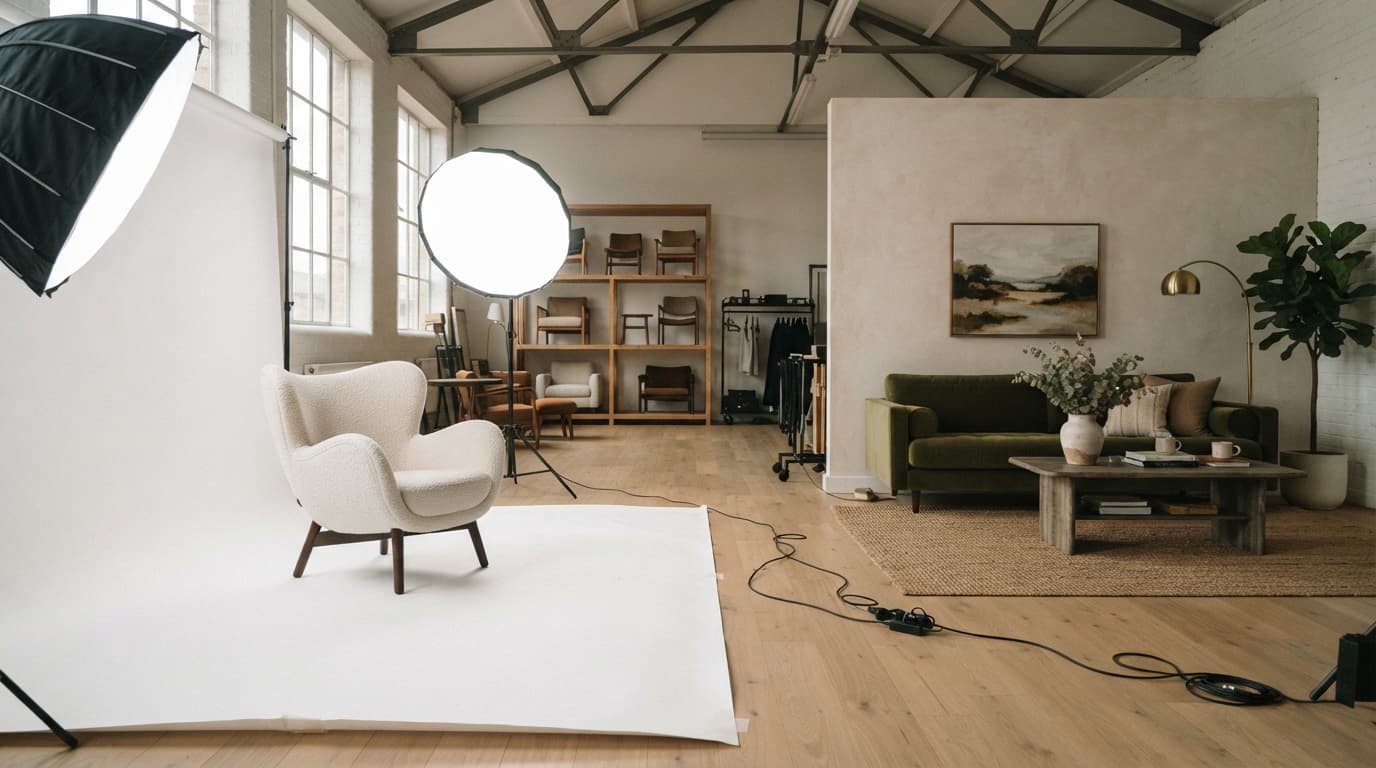
- A way to make them. Either a 3D artist builds each one from photos and dimensions, or the product gets scanned. Both cost money per item and take time.
- Quality checks. A model with the wrong scale or a muddy fabric texture is worse than no model, because it shows the shopper something that isn't true.
- The right file formats. AR on iPhone and Android uses different formats, so most programs keep two versions of every model.
- Upkeep. Every new product, color or discontinued item means more modeling work.
That last point is where many programs stall. Stores model their bestsellers, and the long tail, often most of the catalog, never gets a model at all.
Where 3D Models Are Worth It
3D models are the right tool in some cases, and we'd recommend them there:
- Custom upholstery and configurable pieces. If shoppers choose fabric, legs and arm style, a 3D configurator shows combinations no photo shoot could cover.
- Exact scale on a phone. AR places a model at true size in the shopper's space, which helps for the question "will it fit?"
- A small catalog of high-ticket hero pieces, where the per-item cost is easy to justify.
Where 3D Models Fall Short
For the question most shoppers actually have, "will this look right in my room?", 3D models have three gaps:
- AR shows one item at a time. People don't buy a sofa in isolation. They want to see it with a rug, a coffee table and their own walls.
- Coverage is partial. If only some products have models, the shopper's favorite piece often has no "view in your room" button.
- AR needs the shopper to be standing in the room, on a phone, with the camera pointed at the floor. That rules out the person browsing on a laptop at work.
The Alternative: Photorealistic Rooms From Your Product Photos
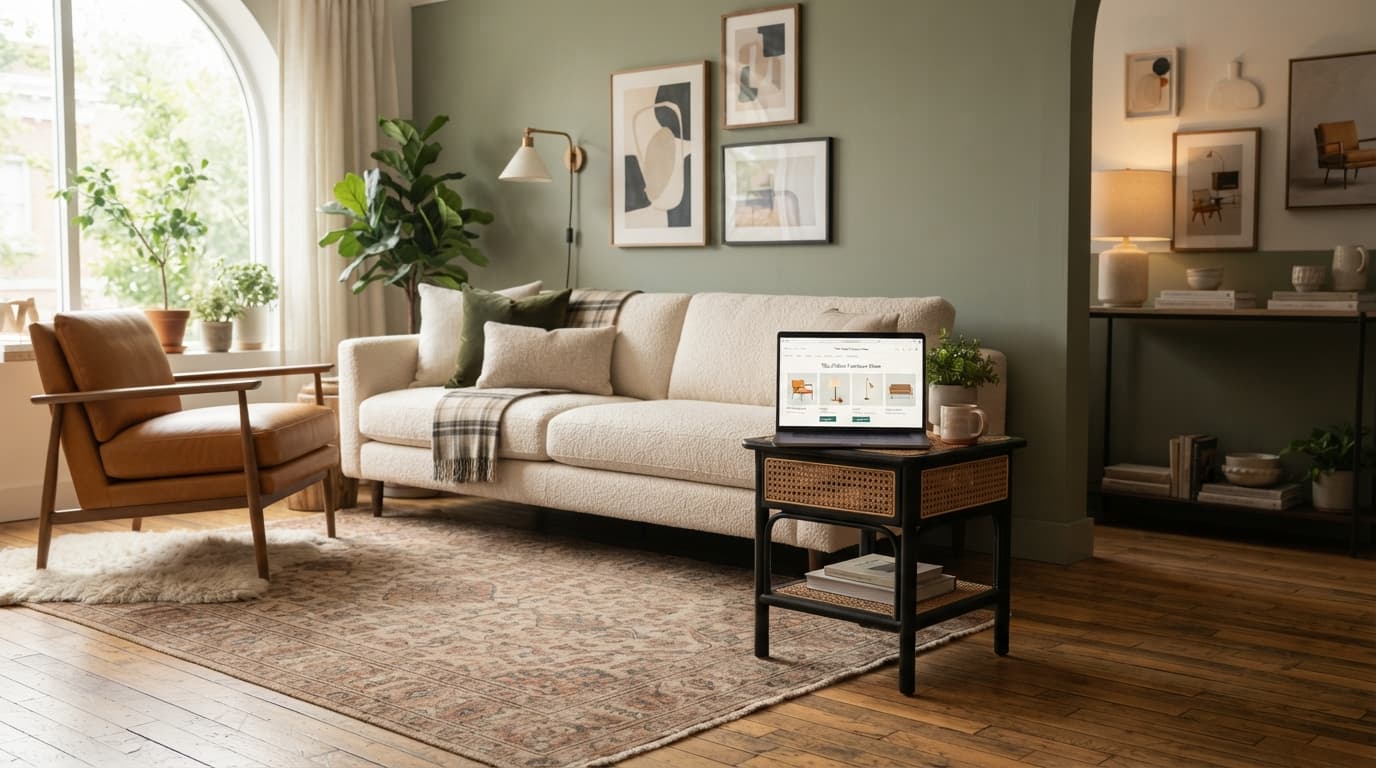
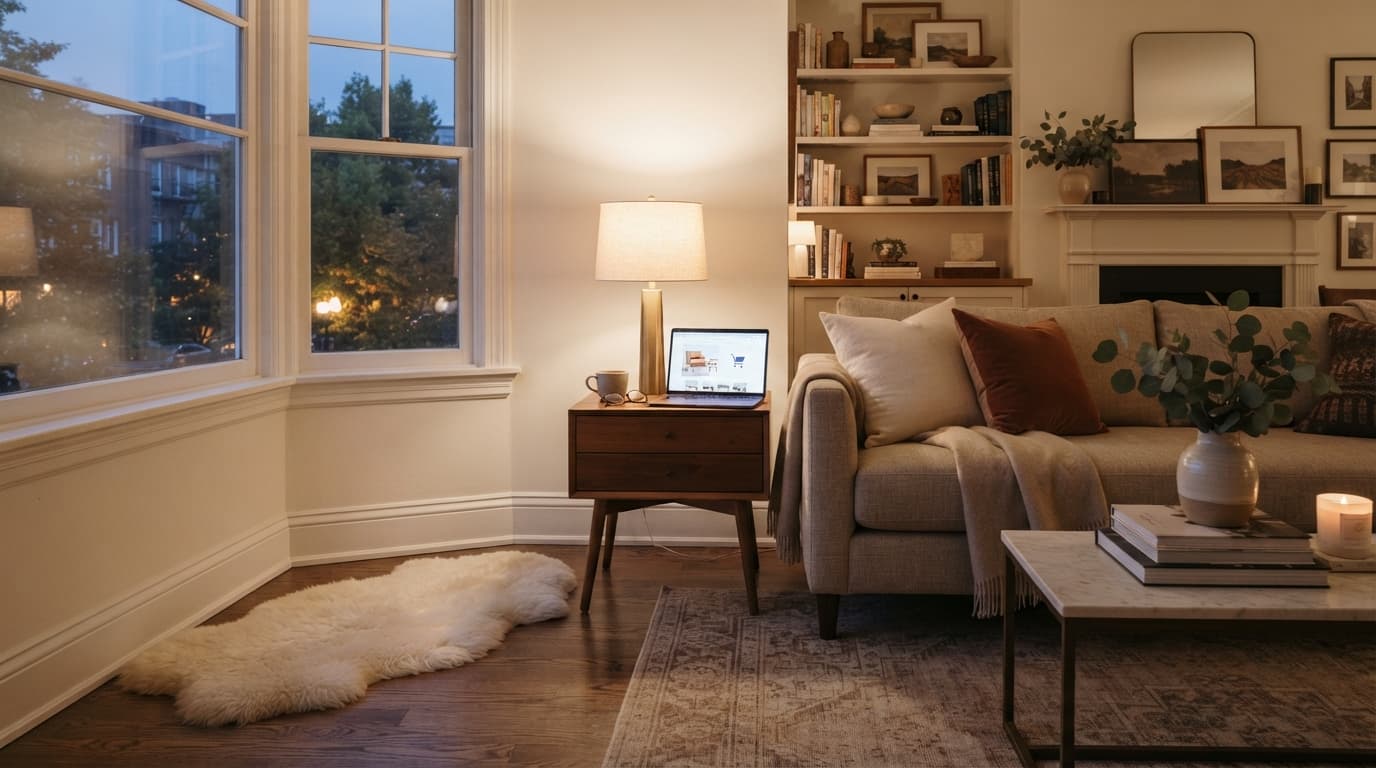
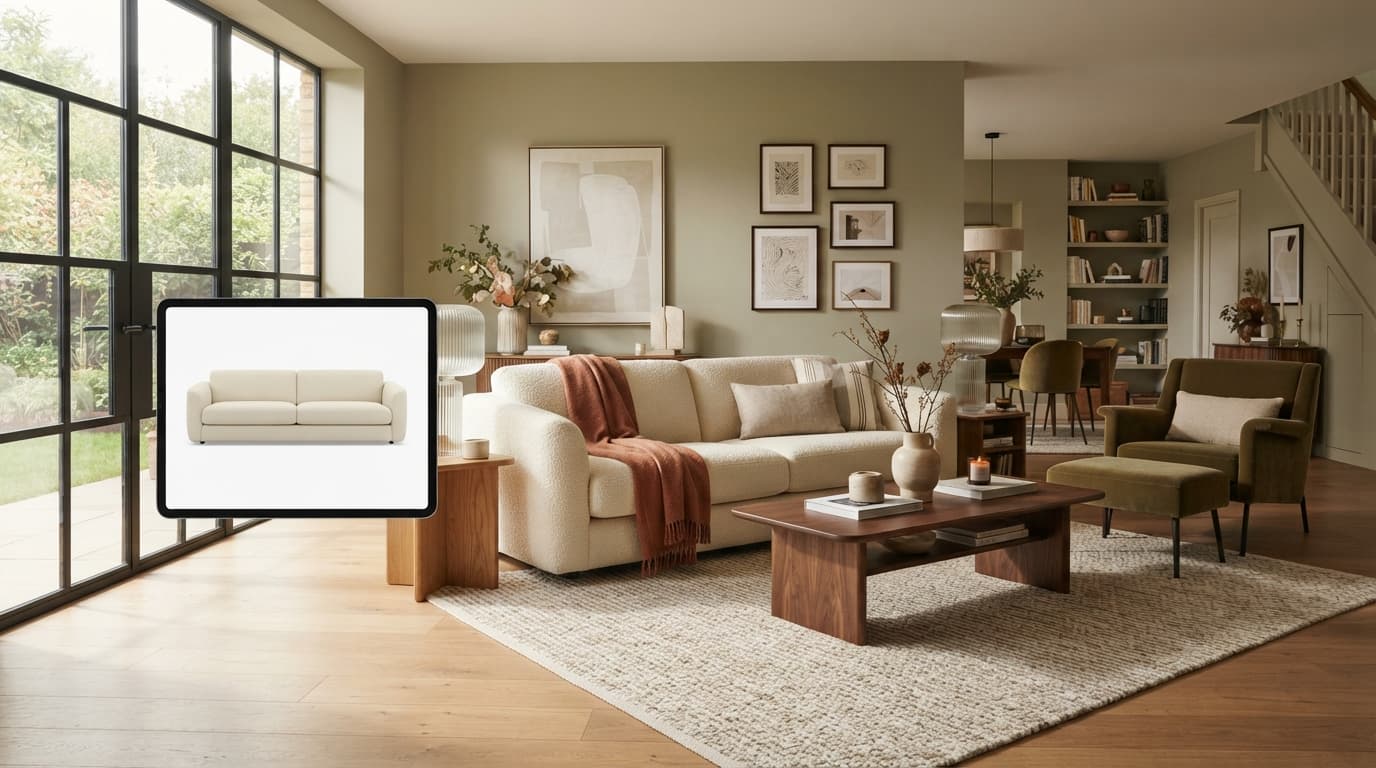
Recent AI image models can do something 3D pipelines can't: take a photo of the shopper's own room and the product photos you already have, and render the room furnished with your real products. This is how Roomellow works:
- No 3D models. Your existing catalog photos are the input, so every product you sell can appear, not just the modeled ones.
- The whole room, not one item. A shopper sees your sofa with your rug and your lamp, in their own space, from any device.
- Real products only. Every item in the render is an actual product from your catalog, and each one links back to your own product page. The sale stays with you.
- Kept in sync. Prices and stock follow your store, so shoppers don't fall for something that's sold out.
Be clear about what it is, too: it's a photorealistic visualization, not a measuring tool. Small details and exact proportions can differ slightly from the real piece, so dimensions on your product page still matter.
3D Models vs. Photo-Based Room Rendering
| 3D models + AR | Photo-based AI rendering | |
|---|---|---|
| What you need per product | A 3D model (often per variant) | The product photos you already have |
| Catalog coverage | The products you've modeled | Your whole catalog |
| What the shopper sees | One item, through a phone camera | Their own room, fully furnished |
| Where it works | Phone, standing in the room | Any device, any time |
| Best at | True-to-scale fit, configurators | "Will this look right with everything else?" |
| Upkeep | New model for every new product | Follows your catalog automatically |
Many stores will want both: a configurator for custom upholstery, and room rendering for everything else.
How to Decide
Ask yourself:
- How big is your catalog, and how fast does it change? The bigger and faster, the harder per-product modeling gets.
- Do shoppers customize products, or buy them as shown? Customization favors configurators.
- What do your returns say? If "didn't look right in the room" comes up often, whole-room visualization speaks to it directly.
- Where do your shoppers browse? If most of your traffic is on laptops, an AR-only feature reaches a fraction of it.
See It on Your Own Catalog
Roomellow works with Shopify and other store platforms, and it starts from the product photos you already have. You can see it in action in our short walkthrough, read how it works for retailers, or book a demo and we'll show it with your products.
Further Reading
See it with your own products
Shoppers upload a photo of their room, see your products in it, and buy from your store. We'll show you how it would work with your catalog.