Furniture Product Photography: The Shot List That Sells Online
A practical furniture product photography guide for online stores: the 9 shots every piece needs, image specs for Google and Amazon, room scenes, costs, and using AI honestly.
By Afroja Akter / Founder, Roomellow
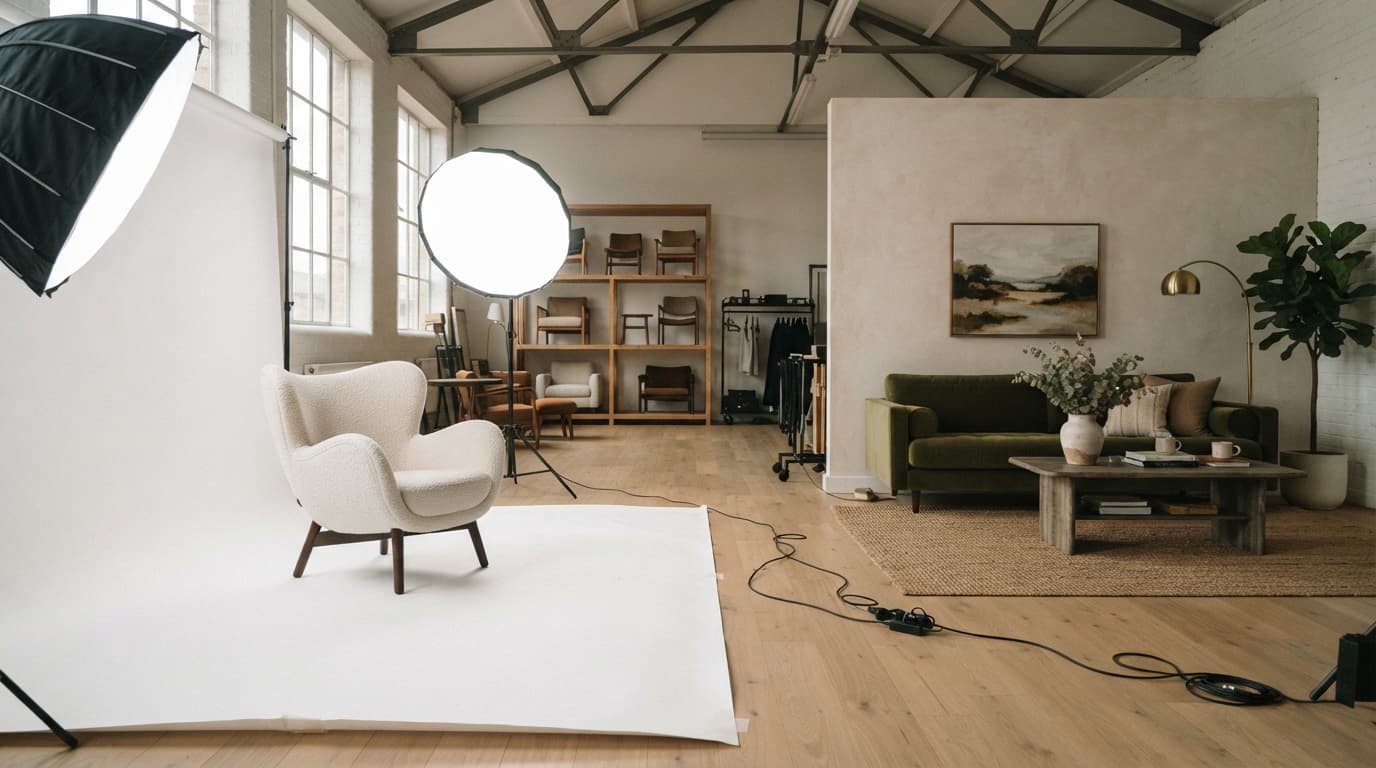
In a showroom, a shopper sits on the sofa, runs a hand over the fabric and steps back to see how big it really is. Online, your photos have to do all of that. That's why furniture product photography matters more than almost anything else on the page.
Shoppers say so themselves. In a 2024 Salsify survey of 2,700 US and UK shoppers, 76% said high-quality product images and content matter as much to them as price. In Salsify's 2026 research, 61% named images and video as the single most important part of a product page, and about one in three said they'd abandoned a purchase because the images were poor or missing.
This guide covers what to shoot, how to shoot it, and how to get the most out of the photos once you have them.
Why Furniture Photos Carry Extra Weight
Furniture is harder to sell from a picture than most products, for three reasons:
- Scale is invisible. A sofa on a white background could be 70 inches or 100. Shoppers try to guess anyway: Baymard Institute found that 42% of shoppers try to judge a product's size from its photos.
- Materials are the product. Boucle, performance linen and top-grain leather can look alike in a small, flat image. The texture is often what justifies the price.
- The price is high and returns are expensive. A shopper who guesses wrong sends back a large, heavy item. Photos that answer questions up front prevent that.
The Shot List: 9 Photos Every Piece Needs
Not every product needs all nine, but your hero pieces do.
| # | Shot | The question it answers |
|---|---|---|
| 1 | Front, on white (your main image) | What is it? |
| 2 | Three-quarter angle | What's its shape and depth? |
| 3 | Side profile | How deep is the seat? How high are the arms? |
| 4 | Back | Does it look finished if it floats in the middle of a room? |
| 5 | Material close-up | What does the fabric, wood or leather actually look like? |
| 6 | Details | How are the legs, joints, hardware and cushions made? |
| 7 | Scale shot | How big is it next to a person or a familiar object? |
| 8 | Room scene | How does it look styled with other pieces? |
| 9 | Dimension graphic | Exact width, depth, height and seat height |
Two of these are skipped most often, and both are worth adding.
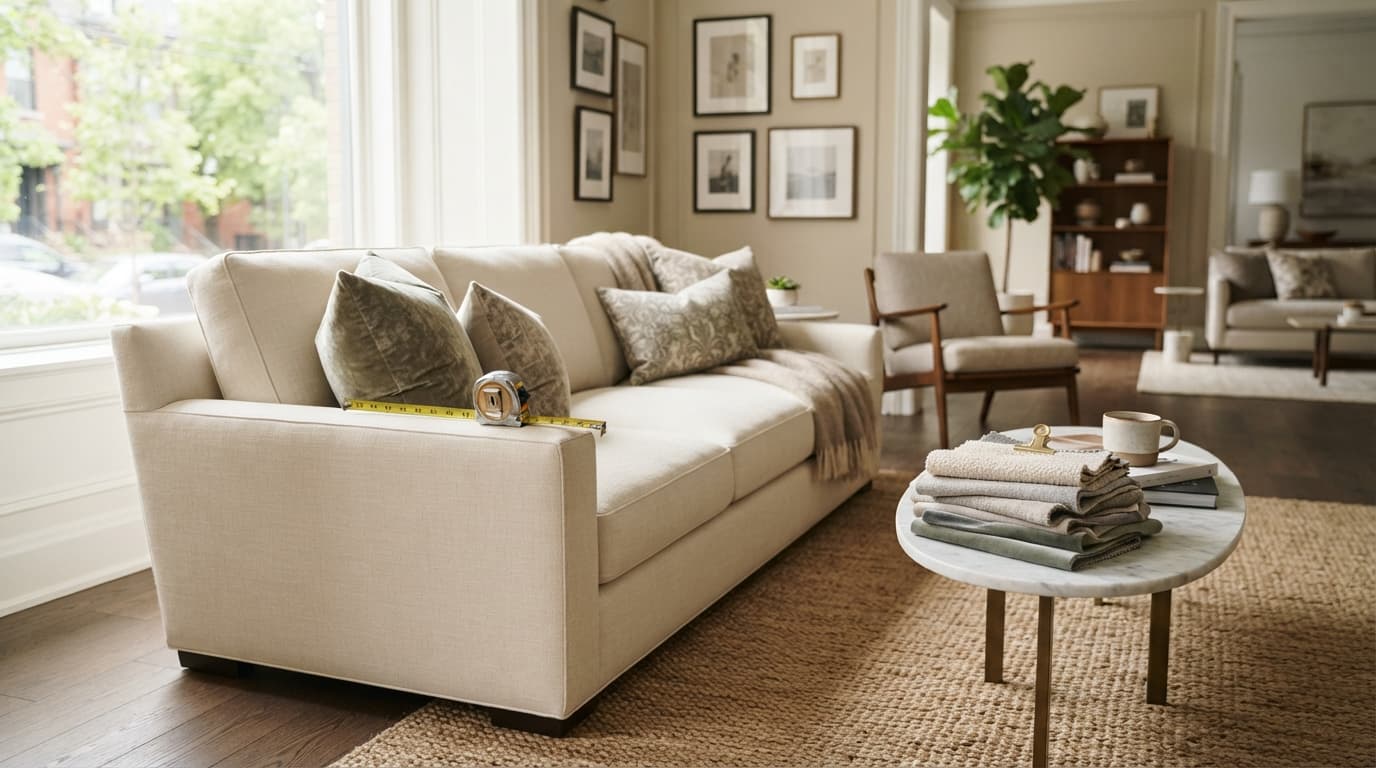
The scale shot. Baymard found that 28% of sites provide no in-scale image at all. A person sitting on the sofa, or a chair next to a side table of known height, answers "how big is it?" faster than any number.
The material close-up. Baymard's long-standing product image research lists "textural" images as their own category for a reason. Shoot the fabric close enough to see the weave, in soft, even light.
If a piece comes in several fabrics or finishes, photograph each one, or at least show a true-to-life swatch close-up of each. A shopper choosing "oatmeal" from a tiny color dot is a likely return.
Technical Basics That Matter
Resolution and zoom
Shoppers zoom in on furniture to check stitching, grain and texture. Baymard found that 25% of ecommerce sites don't provide high enough resolution or zoom (source). Shoot and upload large images, at least 2,000 pixels on the long side for zoomable views, and check them on a phone.
Marketplace and Google Shopping rules
If you sell through Google Shopping or Amazon, your main image has to follow their rules, and those rules push toward a clean white background:
- Google Merchant Center recommends images of at least 1,500 × 1,500 pixels, with the product filling most of the frame on a white or neutral background, and no text, watermarks, logos, borders or promotional badges.
- Amazon requires the main image to sit on pure white (RGB 255, 255, 255), with the product filling at least 85% of the frame. It recommends images of at least 1,000 pixels so zoom works, and six or more images per product.
Shooting every product to these specs once means you never reshoot for a new channel.
Consistency across the catalog
Pick one camera height, one set of angles and one lighting setup, and use them for every product in a category. When shoppers compare three sofas side by side, consistent photos let them compare the sofas, not the photography.
Color accuracy
In a 2025 YouGov survey, 44% of US shoppers who had returned something said it didn't meet their expectations on quality, color or size. Photos that tell the truth about color prevent a share of those returns, and a few simple habits get you there:
- Set white balance with a gray card at the start of every shoot.
- Export in the sRGB color space, which is what browsers expect.
- Compare the edited photo with the real piece, in daylight, before you publish.
- Never "improve" a color in editing. A fabric that looks richer online than in person is a return waiting to happen.
Room Scenes: Worth It, With Choices
White-background photos sell the product, and room scenes sell the idea of living with it. Most furniture stores need both. There are three ways to make room scenes:
- A styled photo shoot. Published studio prices put a styled room scene at roughly $2,000 to $8,000 per set-up, and a single white-background shot at roughly $150 to $500 per item. That's why most stores reserve room shoots for hero pieces and seasonal campaigns.
- 3D rendering (CGI). A 3D artist models the product and renders it in a virtual room. Once a product is modeled, extra angles and colors are cheaper than reshooting. We compared the trade-offs in our guide to furniture 3D models.
- AI-generated scenes. Newer AI tools can place an existing product photo into a generated room in minutes.
Treat these prices as rough, directional ranges. They vary a lot by region, studio and how many pieces you shoot in one day.
Using AI Honestly
AI can clean up a background, place a product into a room scene, or show a piece in another setting. Roomellow's product photography tool does these things too. One rule matters more than any other: the product in the image must be the real product.
- Check every AI image against the real piece: shape, proportions, legs, color and fabric.
- Don't publish an AI-generated color option you haven't checked against a real swatch.
- Keep your real white-background photos as the main image. Use AI for extra scenes, not as a replacement for the truth.
An AI image that flatters a product a little too much wins the click and then costs you the return.
Your Photos Do More Work Than Your Product Page
Good product photos keep paying off after the page is built. The same clean, white-background images feed Google Shopping, marketplaces, social posts, email and printed catalogs.
They're also what lets shoppers see your furniture in their own room. Roomellow takes a photo of the shopper's room and the product photos you already have, and renders the room furnished with your real products. Clean product shots on white work best for this. Every piece in the render is a real product from your catalog, and each one links to your own product page, so the sale stays with you. No new photo shoot or 3D models needed.
Furniture Photography Checklist
- Main image: front view on pure white, product filling most of the frame
- Three-quarter, side and back views
- A material close-up for every fabric or finish option
- Detail shots of legs, joinery and hardware
- At least one scale shot with a person or familiar object
- At least one room scene for hero pieces
- A dimension graphic, including seat height and depth
- High resolution for zoom, checked on a phone
- Consistent angles and lighting across each category
- Color checked against the real piece before publishing
See Your Photos in Shoppers' Rooms
If you already have good product photos, you have what Roomellow needs. Watch the short walkthrough, read how it works for retailers, or book a demo and we'll show it with your own products.
Further Reading
See it with your own products
Shoppers upload a photo of their room, see your products in it, and buy from your store. We'll show you how it would work with your catalog.