How to Sell Furniture Online: A Practical Guide for Furniture Stores
How to sell furniture online in 2026: where to sell, product pages that answer every question, helping shoppers see it in their room, delivery, financing, follow-up and what to measure.
By Afroja Akter / Founder, Roomellow
Furniture is one of the hardest things to sell online. It's expensive, it's big, and shoppers can't sit on it, touch the fabric or see how big it really is. The numbers show it: in Littledata's October 2026 benchmark of Shopify home and furniture stores, the median store converted 1.0% of visits into orders, and 80% of shopping sessions that added something to the cart ended without a purchase.
The good news is that most of what stops furniture shoppers is fixable. This guide walks through what works, in the order shoppers meet it: where they find you, what your product pages tell them, how they picture the piece at home, and what happens at checkout and after.
1. Decide Where You Sell
Most furniture stores sell in more than one place:
- Your own website. You keep the margin, the customer relationship and the email address, and you control how your products are shown. It's also where you have to bring the traffic yourself.
- Marketplaces. Large marketplaces bring shoppers you'd never reach alone, in exchange for fees, their rules and less control over the customer.
- Google Shopping. Free product listings and Shopping ads put your products in front of people already searching for them. Google has its own product image rules: a large image, a clean background, and no text or watermarks.
Whatever mix you choose, your own website is the one place where the whole experience is yours, so the rest of this guide focuses on it.
2. Build Product Pages That Answer Every Question
A shopper can't ask your sales team "how deep is the seat?" at 11pm. Your product page has to answer it:
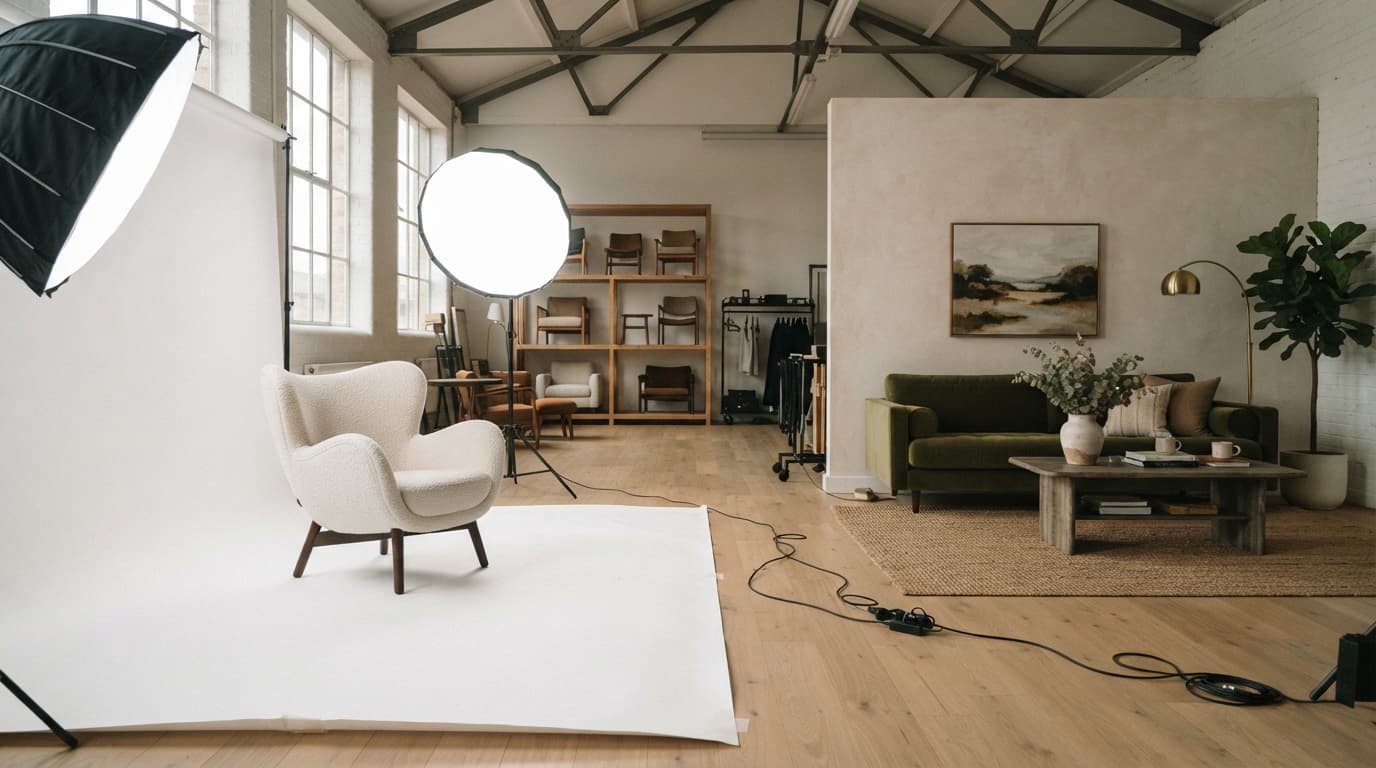
- Photos that do the showroom's job: a front view on white, angles, material close-ups, a scale shot with a person, and a room scene. Our furniture product photography guide has the full shot list.
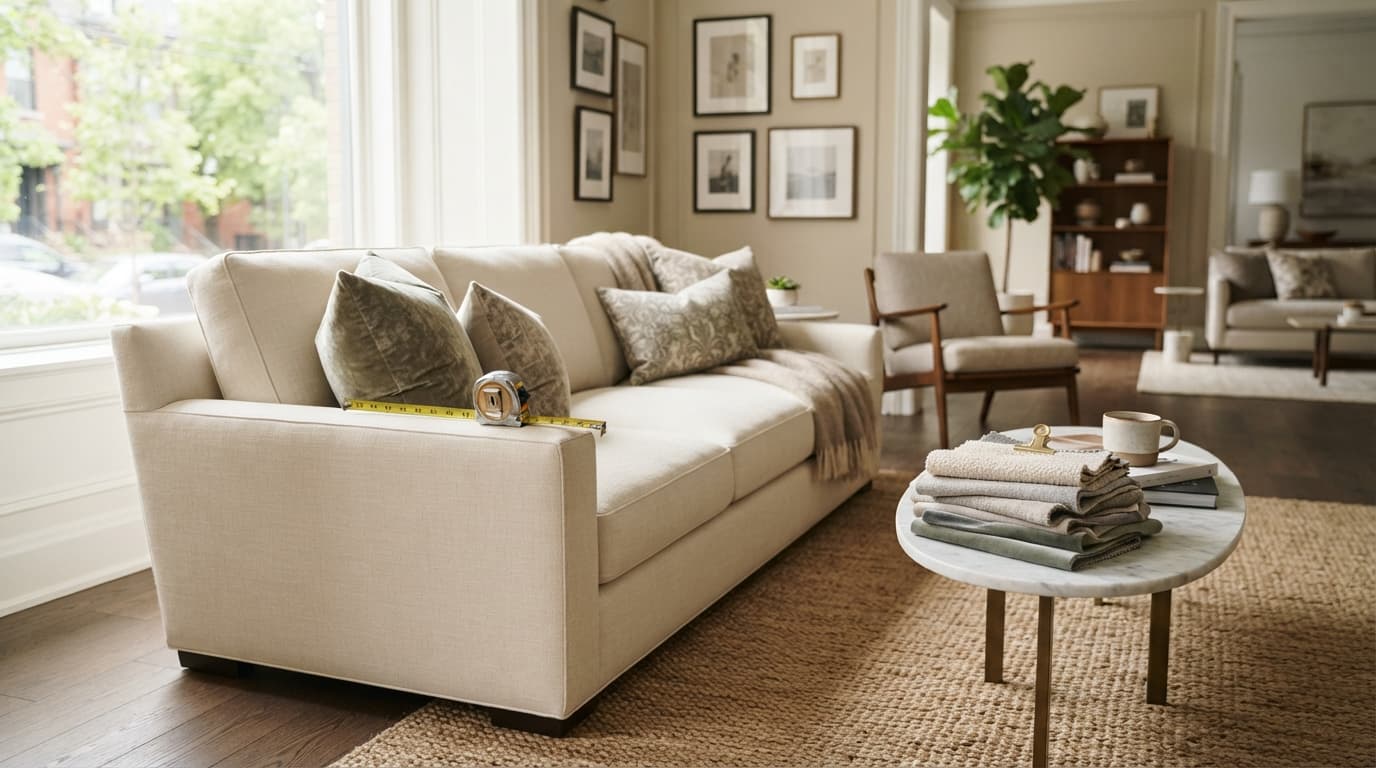
- Dimensions you can't miss: width, depth, height, seat height and depth, and the box size, ideally on a dimension image.
- Honest material and comfort details: what the fabric is, how it cleans, and whether the seat is firm and upright or deep and soft.
- Swatches for upholstered pieces, so shoppers see the color in their own light.
- Delivery cost and timing on the page, not just at checkout (more on this below).
- Reviews with customer photos, which show your product in real homes.
Every gap on the page becomes either an abandoned cart or a return. Our guide to reducing furniture returns covers how product pages prevent returns in more detail.
3. Help Shoppers See It in Their Own Room
The question behind most hesitation is "will this look right in my room?" Shoppers try to answer it themselves. Baymard Institute found that 42% of shoppers try to judge a product's size from its photos. And in a 2025 Provoke Insights study cited in Shopify's guide to furniture ecommerce, 45% of furniture shoppers had used 360-degree views and 38% had used room visualization tools.
There are a few ways to give them that view:
- Room scenes and scale photos on every product page, the simplest step.
- 3D models and AR, which work well for configurable pieces but need a model per product. We compared the trade-offs in our guide to furniture 3D models.
- Photorealistic room visualization from your product photos. This is what Roomellow does. A shopper uploads a photo of their room and sees it furnished with your real products, using the product photos you already have, with no 3D models needed. Every piece in the image is from your catalog and links to your own product page, so the sale stays with you.
4. Sell the Whole Room, Not One Piece
People furnish rooms, not single items, yet most product pages show one sofa and a row of other sofas. Room pages, shoppable room scenes, recommendations that complete the room, and curated bundles all help shoppers buy the rug and coffee table along with the sofa. We cover six ways to do it in Sell the Whole Room, Not Just the Sofa.
5. Be Upfront About Delivery and Returns
Surprise costs are the top reason shoppers abandon a checkout. In Baymard's research on US shoppers who abandoned a cart (not counting those just browsing):
- 40% said extra costs like shipping, tax and fees were too high.
- 20% said delivery was too slow.
- 13% weren't happy with the return policy.
For furniture, the extra cost is usually delivery. Show it on the product page or let shoppers check it by zip code, explain what each delivery level includes, and show the expected delivery window before checkout. Do the same for returns: a clear, fair policy, with any restocking or pickup fee stated up front. In a 2024 BigCommerce survey, more than 60% of shoppers said they're more likely to buy from a home furnishings brand that offers free return shipping.
6. Offer Financing
Furniture is a big purchase, and many shoppers prefer to spread the cost. In a 2025 Numerator survey of buy-now-pay-later users, 26% had used it for furniture and home decor in the past year. Show a monthly price next to the full price on product pages and in the cart, not only at checkout.
7. Follow Up With Shoppers Who Leave
Furniture decisions take time, and many shoppers leave to measure, compare or ask a partner. Abandoned-cart emails bring a share of them back: in Klaviyo's 2026 benchmarks, the average abandoned-cart email earned $6.77 per recipient, and the top 10% of home and garden brands earned $28.76. The best furniture reminders answer the question that made the shopper pause: the delivery window, a free swatch, financing. Our post on why furniture shoppers abandon their carts covers each reason and its fix.
8. Connect the Website and the Showroom
If you have a showroom, treat it and your website as one store. Shoppers often research online and buy in person, or the other way round. Show showroom stock and locations online, use the same photos and product names in both places, and give your sales team a way to send a shopper the products they looked at. Roomellow also runs on a tablet in the showroom: a shopper scans a QR code, takes a photo of their room on their phone, and sees it furnished with your products on the tablet, right there on the sales floor.
What to Measure
Track a few numbers, compare them with your own past results, and change one thing at a time:
- Conversion rate: the share of visits that become orders.
- Add-to-cart rate and checkout completion: where in the journey shoppers drop off. Littledata's October 2026 medians for Shopify home and furniture stores were 5.0% and 51%.
- Average order value and items per order: whether shoppers buy the room or just the sofa.
- Return rate by product, with reasons: which product pages need fixing.
See Your Products in Shoppers' Rooms
Roomellow works with Shopify and other store platforms, and starts from the product photos you already have. Watch the short walkthrough, read how it works for retailers, or book a demo and we'll show it with your catalog.
Further Reading
- Furniture Product Photography: The Shot List That Sells Online
- How to Reduce Furniture Returns: 8 Fixes for Online Furniture Stores
- Sell the Whole Room, Not Just the Sofa: How Furniture Stores Raise Average Order Value
- Why Furniture Shoppers Abandon Their Carts (and How to Win Them Back)
- Visual Merchandising for Online Furniture Stores: 7 Ways to Help Shoppers See It at Home
See it with your own products
Shoppers upload a photo of their room, see your products in it, and buy from your store. We'll show you how it would work with your catalog.