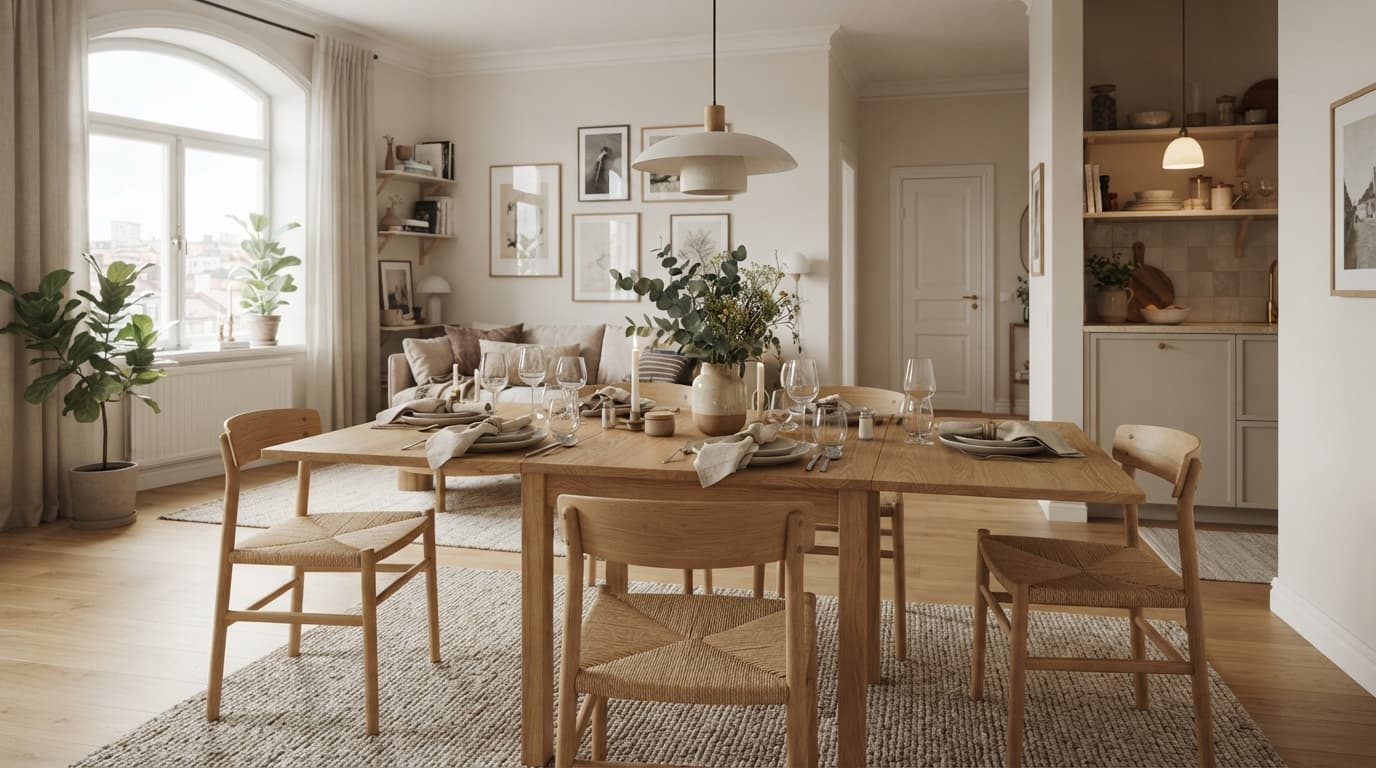
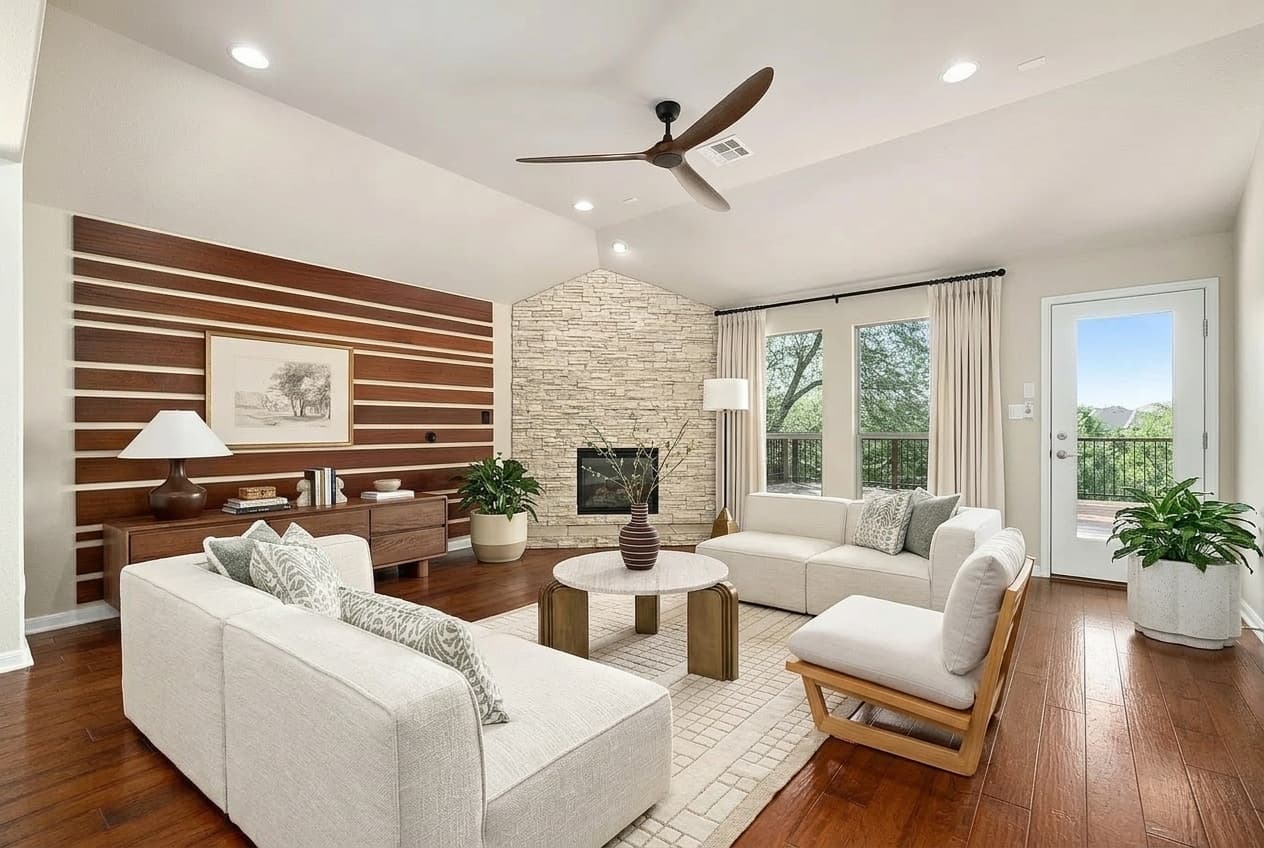
Visual Merchandising for Online Furniture Stores: 7 Ways to Help Shoppers See It at Home
Visual merchandising for online furniture stores: room scenes, scale cues, styled bundles, consistent photos, and letting shoppers see your products in their own room.
By Roomellow Team
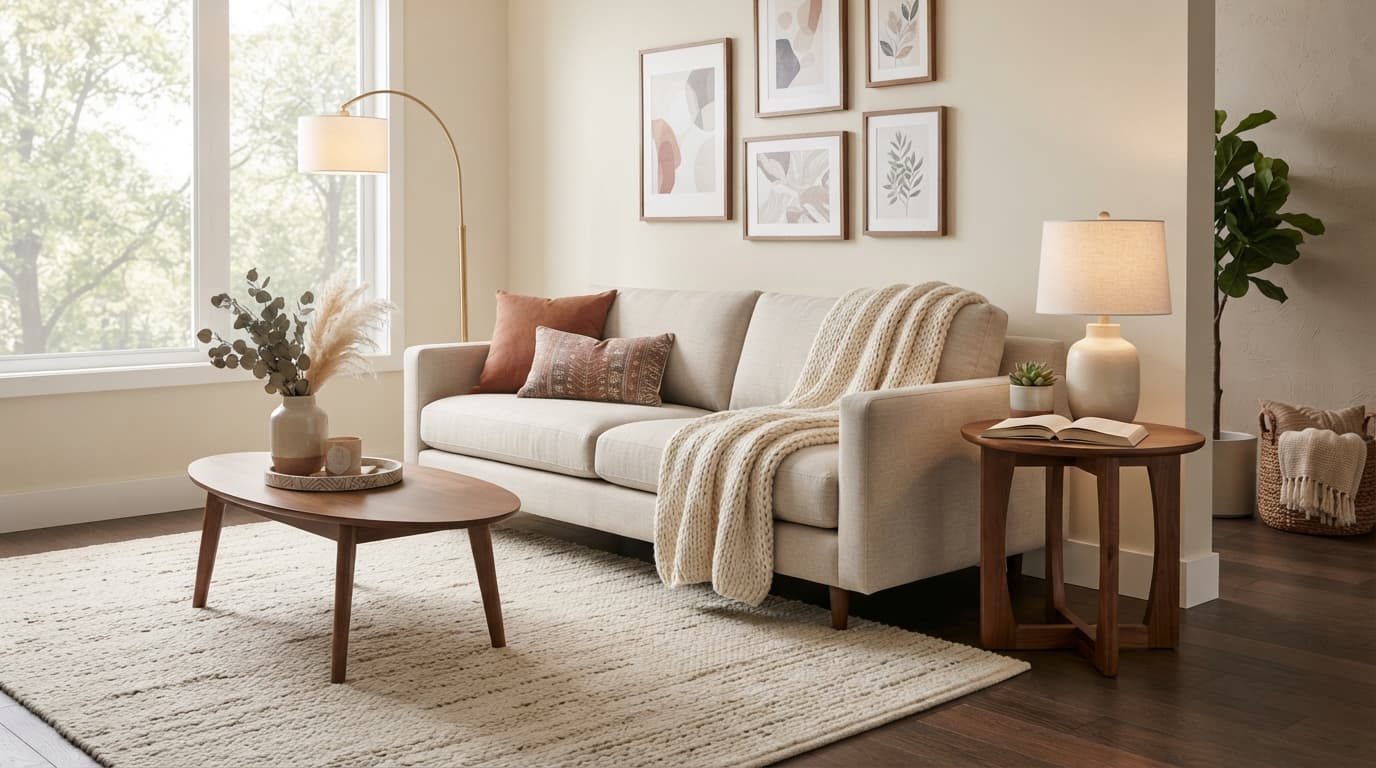
Walk into a good furniture showroom and the merchandising does half the selling. The sofa sits on a rug, next to a lamp and a side table, under warm light. The shopper doesn't see a product; they see a room they could live in.
Online, most of that disappears. The same sofa floats on a white background, and the shopper has to imagine two things at once: how it's meant to be styled, and how it will look in their room. That second question is the one that stalls high-consideration purchases, because no product page can answer it on its own.
Visual merchandising online is about putting that context back. Here are seven ways to do it, roughly from the simplest to the most involved. You don't need all seven; even the first two make a visible difference.
1. Pair Every White-Background Photo with a Room Scene
White-background photos are essential. They keep your catalog consistent, they zoom well, and marketplaces and ad platforms often require them. But they answer "what is it?", not "what would it feel like at home?"
Our take: Give every hero product at least one room scene: the piece styled in a real-looking room, with flooring, a wall, light and a few companion pieces.
- Lead with the room scene on category pages for your bestsellers, and keep the white-background shot one click away.
- Match the scene to the buyer. A compact apartment sofa belongs in a compact room, not a loft with 14-foot ceilings. A scene the shopper can't relate to doesn't help them picture it.
- Show the product in more than one style if it works across styles. The same oak dining table reads very differently in a Scandinavian room and a farmhouse kitchen.
The "why": Context is how people judge furniture. A room scene answers the styling question before the shopper has to ask it.
2. Make Scale Impossible to Miss
Size is one of the biggest sources of doubt in online furniture shopping. A photo can make a 72-inch sofa and a 96-inch sofa look the same.
Our take: Treat scale as part of the merchandising, not just a line in the specs.
- Put the key dimensions in the first screen of the product page: width, depth, height, and seat height for seating.
- Add one photo with a scale reference: a person sitting on it, a standard door frame, or a familiar object like a dining chair.
- Include a simple dimension diagram, and for large pieces, the clearances that matter (how much room a recliner needs behind it, or a dining table around it).
The "why": Shoppers who can judge size with confidence hesitate less, and size surprises are a common reason furniture comes back.
3. Merchandise Rooms, Not Just Items
In the showroom you sell vignettes. Online, most catalogs sell single SKUs.
Our take: Build shop-the-look rooms from your own catalog, where every piece in the image is clickable.
- Style complete rooms around anchor pieces: the sofa, rug, coffee table, lamp and art that work together.
- Make every item shoppable from the room image, with clear prices and links to each product page.
- Refresh rooms seasonally with the same anchor pieces, so the look stays current without new photography for every product.
The "why": A styled room sells the combination. A shopper who came for a sofa sees the rug and the lamp that make it look right, and you've done the styling work they would otherwise do in their head. We go deeper on this in what a shoppable room visualizer is.
4. Keep Your Photography Consistent
A catalog built from mixed supplier photos (different angles, lighting, backgrounds and color casts) feels like a marketplace, not a curated store.
Our take: Set a simple photo standard and hold every product to it.
- Same angles for the same categories: for example, front, three-quarter and detail shots for every sofa.
- Same background and lighting for catalog shots, so products sit together naturally on a category page.
- Accurate color. Calibrate, and check fabrics and woods against the real thing. Color surprises are as frustrating to customers as size surprises.
The "why": Consistency signals curation and care, and it makes your styled rooms and bundles look like they belong together.
5. Show Materials Up Close
Shoppers can't touch the fabric or run a hand over the wood grain online, so close-ups have to do that job.
Our take: Give every upholstered or natural-material product detail shots and honest swatches.
- Macro shots of fabric weave, leather grain, wood finish and hardware.
- Swatch images for every color option, photographed under the same light.
- Offer physical swatches for higher-priced upholstery if you can. It's an old idea that still works.
The "why": Texture and finish are a large part of why furniture feels premium. Close-ups let a shopper judge quality before they commit.
6. Let Shoppers See Your Products in Their Own Room
Everything above helps the shopper picture your products in a nice room. The question that still stalls the sale is different: will it work in my room, with my floor, my light and my other furniture?
That's the gap AI room visualization closes, but tools differ in one way that matters a lot to a retailer:
- Single-product AR apps place one item at a time in a camera view. That's useful for checking fit, but it doesn't show a styled room.
- Generic AI room designers often generate furniture that looks plausible but doesn't exist, then send the shopper hunting for something similar, which often ends on a different store's site.
What Roomellow does: a shopper uploads a photo of their room, picks a style, and our AI redesigns the room using only products from your catalog, using your actual product photos as references. So every piece in the image is a real product you sell, at your price. A shop-the-look panel links each piece straight to its page on your site, and every buy link goes to your store; we don't insert affiliate links or send shoppers anywhere else.
It can show up in a few places:
- A branded page for your store that shows only your products.
- Inside your online store. On Shopify, through our app; other platforms get a custom catalog integration, and the shopper's experience is the same either way.
- In your showroom, on a tablet: the customer scans a QR code, uploads a photo of their room from their phone, and sees it redesigned with your products on the store's screen.
One honest caveat: the result is an AI rendering, not a measurement tool. It's for seeing how a piece looks and fits the style of the room; shoppers should still check exact dimensions on the product page. We explain the approach in more detail in AI room design with real products and in AI room design for furniture retailers.
7. Connect the Showroom and the Website
Many furniture shoppers research online before they visit a store, or visit first and buy online later. The merchandising should carry across both.
Our take: Make it easy to move between the two without losing the thread.
- Put QR codes on showroom tags that open the product page, and ideally a way to see the piece in the customer's own room.
- Let staff share a styled room with the customer by link, so the conversation continues after they leave.
- Use the same room scenes in the showroom signage, the website and your emails, so the look is recognizable everywhere.
The "why": A customer who measured at home, browsed online and then visited the store should feel they're continuing one conversation, not starting over at each step.
How to Tell What's Working
You don't need a big analytics setup to learn from these changes:
- Compare add-to-cart rates on products with room scenes against similar products without them.
- Read your return reasons. If "smaller than expected" or "color looked different" keeps coming up, that's a merchandising fix, not a product problem.
- Watch which styled rooms get clicked, and build more like them.
Change one thing at a time, so you know what moved the number.
See Your Own Catalog in Shoppers' Rooms
If you run a furniture store, the fastest way to judge item 6 is to see it with your own products. Watch the short walkthrough on our demo page, read how it works for retailers (plans, onboarding and what we need from you), or book a short demo and we'll walk you through it with your catalog.